

Operations
Ubuntu 20.04, Debian 11 and Amazon Linux 2 Are End of Life
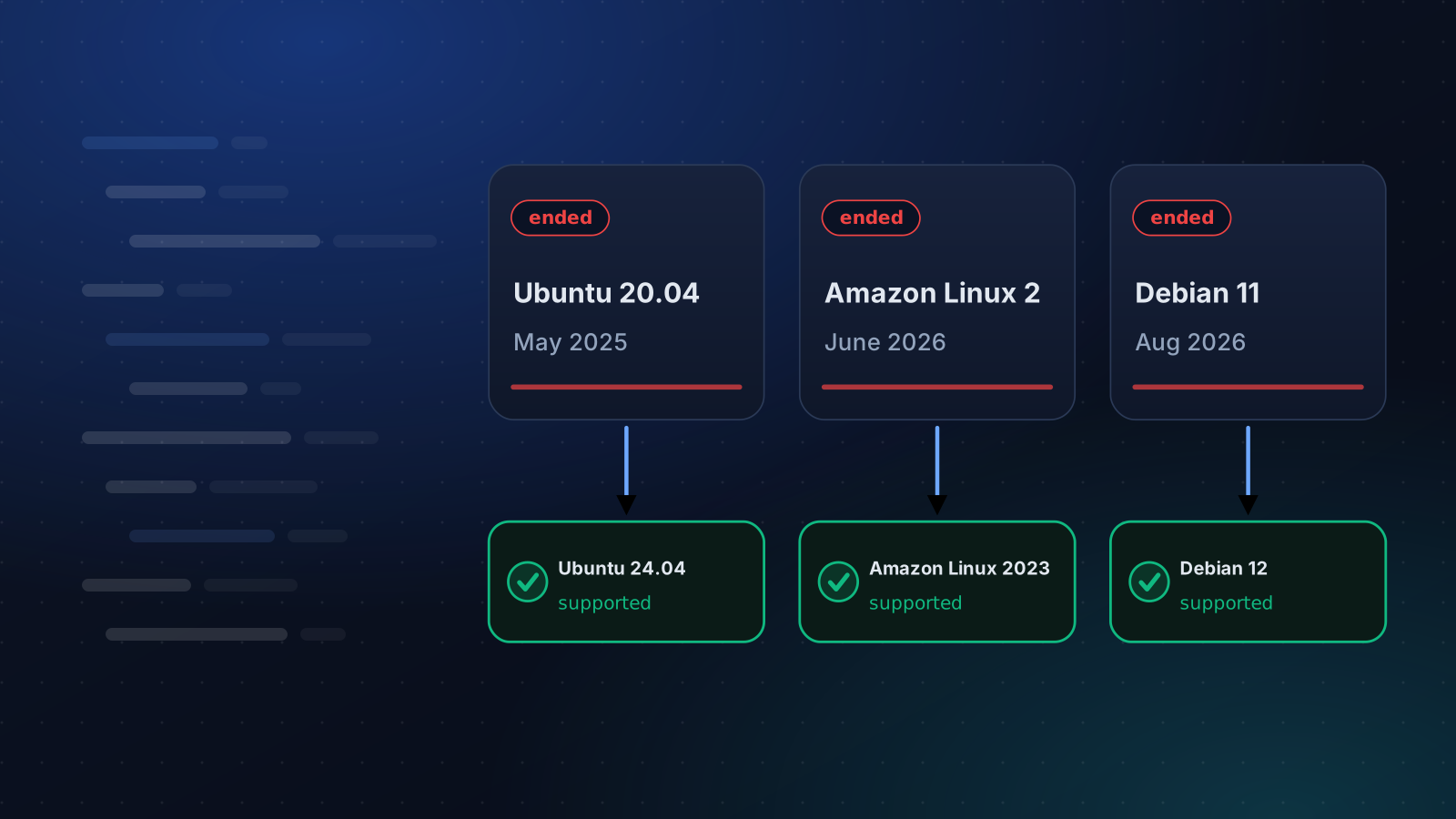
Ubuntu 20.04 lost standard support in May 2025, Amazon Linux 2 on 30 June 2026 and Debian 11 on 31 August 2026. What that means and how to move.
By Techie Gain4 min read
If you look after Linux servers, this is a good week to run grep PRETTY_NAME /etc/os-release on every one of them. Three popular releases have lost their vendors' security updates in about a year and a half, and a server running one of them gives no sign of it.
| Release | Standard support ended | Still patched until | Move to |
|---|---|---|---|
| Ubuntu 20.04 | 31 May 2025 | May 2030 with Ubuntu Pro, May 2032 with the Legacy add-on | 22.04, then 24.04 |
| Amazon Linux 2 | 30 June 2026 | Not by AWS's standard updates | Amazon Linux 2023 |
| Debian 11 | 31 August 2026 | Only by paid outside parties | Debian 12 or 13 |
The dates come from Canonical, AWS and Debian.
What end of life changes
Nothing stops working on the day. Your sites still serve, your cron jobs still run and the package manager still answers. What stops is the flow of fixes. A vulnerability published next month in OpenSSL, the kernel or sudo will be patched for the supported releases and not for yours, and attackers read the same advisories you do.
That is why this goes unnoticed. There is no outage, only a risk that grows every month the server stays where it is.
The RHEL family has more room. RHEL 8 and its rebuilds are supported until 2029. CentOS 7 ended in June 2024 and CentOS Linux 8 at the end of 2021, so anything still on those has been unpatched for a while.
Find every one of them first
A fleet is never as uniform as people believe. Check the obvious servers, then the ones you forgot: staging boxes, a VPS somebody set up for a client, CI runners, and the AMI or launch template an autoscaling group still uses.
bash
grep PRETTY_NAME /etc/os-releaseContainers count too. An image built FROM ubuntu:20.04 carries the problem onto every host that runs it, however current the host is.
On a handful of servers the check is a loop over SSH. On more, you want the distribution and version recorded somewhere you can sort, which is one reason we show it for every server in the dashboard.
Upgrade in place, or rebuild
If you can rebuild a server from a script, rebuild it. If nobody remembers exactly how it was put together, back it up, upgrade it in place and write down what you did.
- Ubuntu upgrades one LTS at a time with
do-release-upgrade, so 20.04 goes to 22.04 and then to 24.04. Budget a reboot and a check for each step. - Debian upgrades by pointing the repositories at the next release and running
apt full-upgrade, following that release's notes. Debian 11 goes to 12 first, and to 13 after that if you want it. - Amazon Linux 2 is different. AWS documents a migration, not an upgrade: you launch Amazon Linux 2023 and move the workload onto it. dnf replaces yum,
/tmpis now in memory, and cron is not installed by default, so scheduled jobs need a look.
The upgrade changes more than the system
A distribution upgrade moves your language runtimes with it. Ubuntu 20.04 ships PHP 7.4 and Python 3.8, 22.04 ships PHP 8.1 and Python 3.10, and 24.04 ships PHP 8.3 and Python 3.12. Debian 11 has PHP 7.4 and Python 3.9, and Debian 12 has PHP 8.2 and Python 3.11. An application that ran happily on the old versions may not run on the new ones.
Third-party repositories deserve the same care. The upgrade tools usually switch them off, and some vendors do not publish for the new release on day one. Plan to re-enable Docker, nginx.org and the like afterwards, and check each one supports the release you landed on.
Buying time without pretending
For servers that cannot move this quarter there are paid options. Ubuntu Pro extends security patches for 20.04 and is free for personal use. Debian 11 has extended support from outside parties. Neither is a plan on its own. They cover the base system, not the packages you installed from other repositories or your application's dependencies. Treat them as a deadline moved, and write the new date next to the server.
A sensible order
- Internet-facing servers first, then anything that holds customer data.
- Take a backup and restore it somewhere before you start. How to test a restore is half an hour well spent.
- Upgrade one server of each kind, run your checks, and leave it a few days.
- Do the rest in small batches, and stop at the first surprise.
That sequence is the one our rollouts follow: a preflight on every server, a canary, then batches that stop when failures pass a limit. The patching guide covers the routine you want once you are current.
If you use Techie Gain
Servers on older releases still connect and show their version. Each playbook says which releases it supports before it changes anything, and refuses a release it does not support, naming what it needs. The releases we build for are Ubuntu 22.04 and later, Debian 12 and later, RHEL-compatible 8 and later, and Amazon Linux 2023.
Keep reading
Automation
How to Patch Linux Servers Without Breaking Production
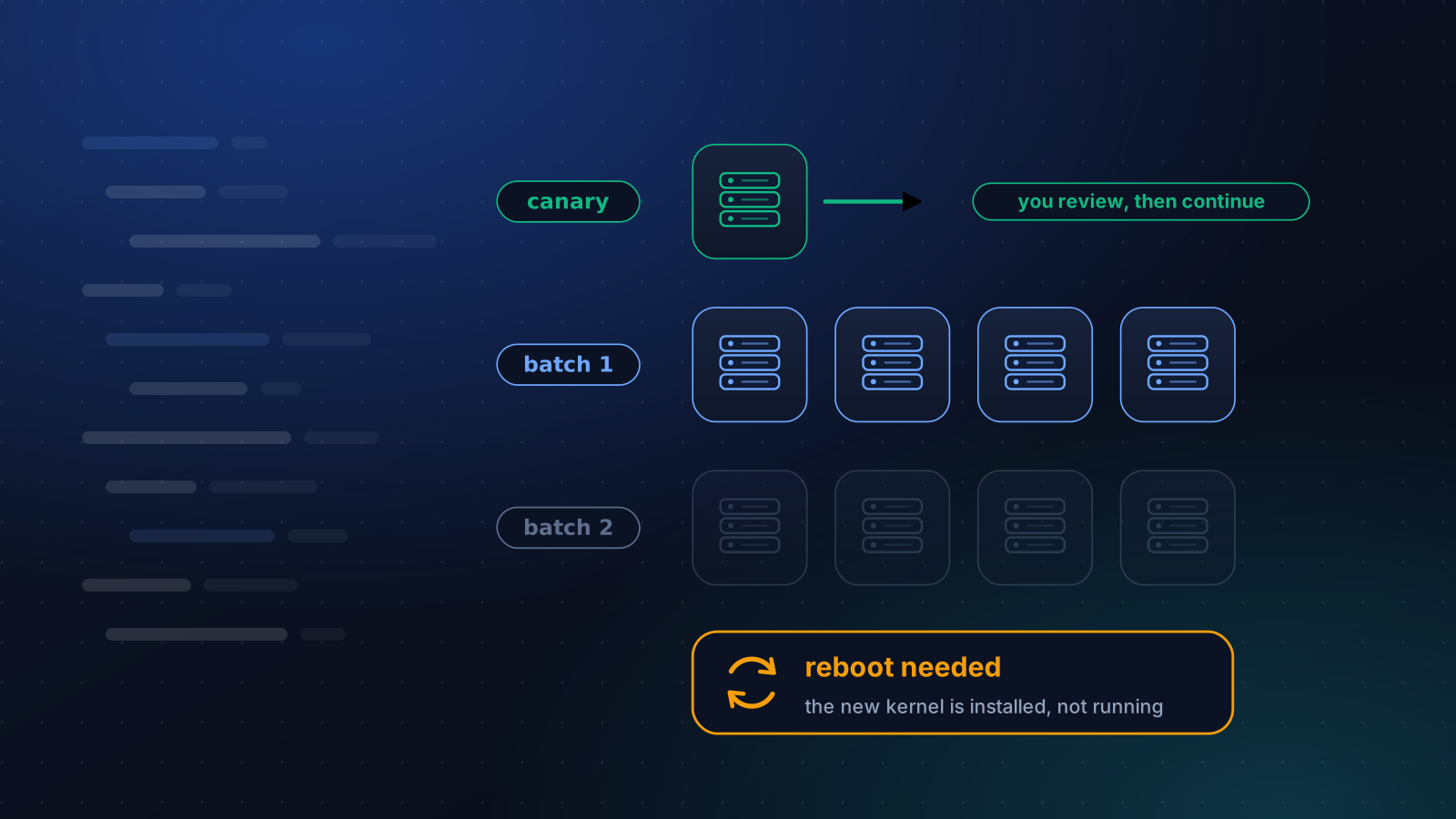
How often to patch, what to automate and what to stage, how to handle reboots, and a canary routine that a small team can keep up month after month.
4 min read
Security
Harden SSH Without Locking Yourself Out
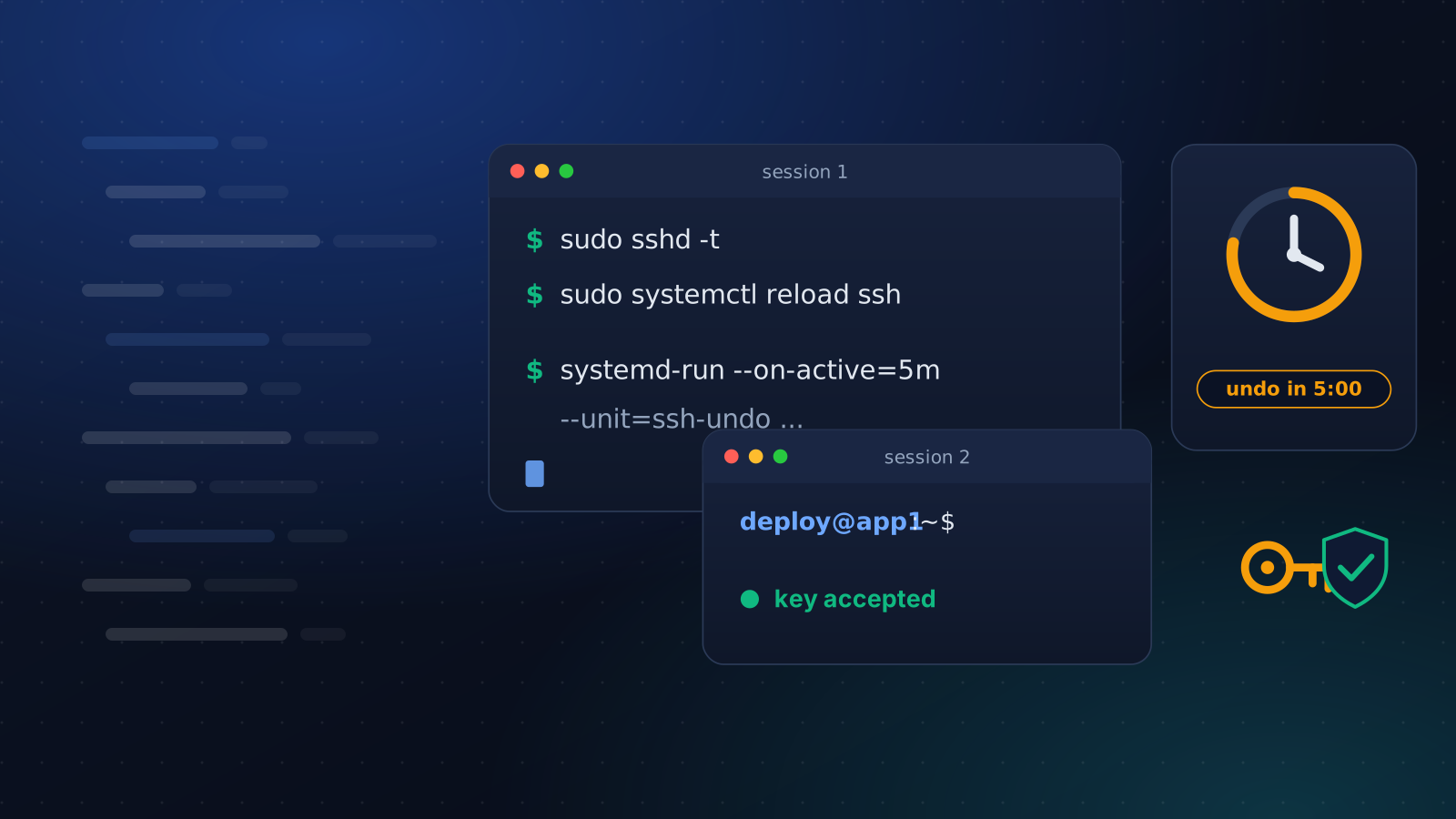
Turning off password logins takes one line and can cost you the server. The order that keeps a way in: a drop-in file, a second session and an undo timer.
4 min read
Backups
VPS Snapshot vs Backup: What Each One Covers
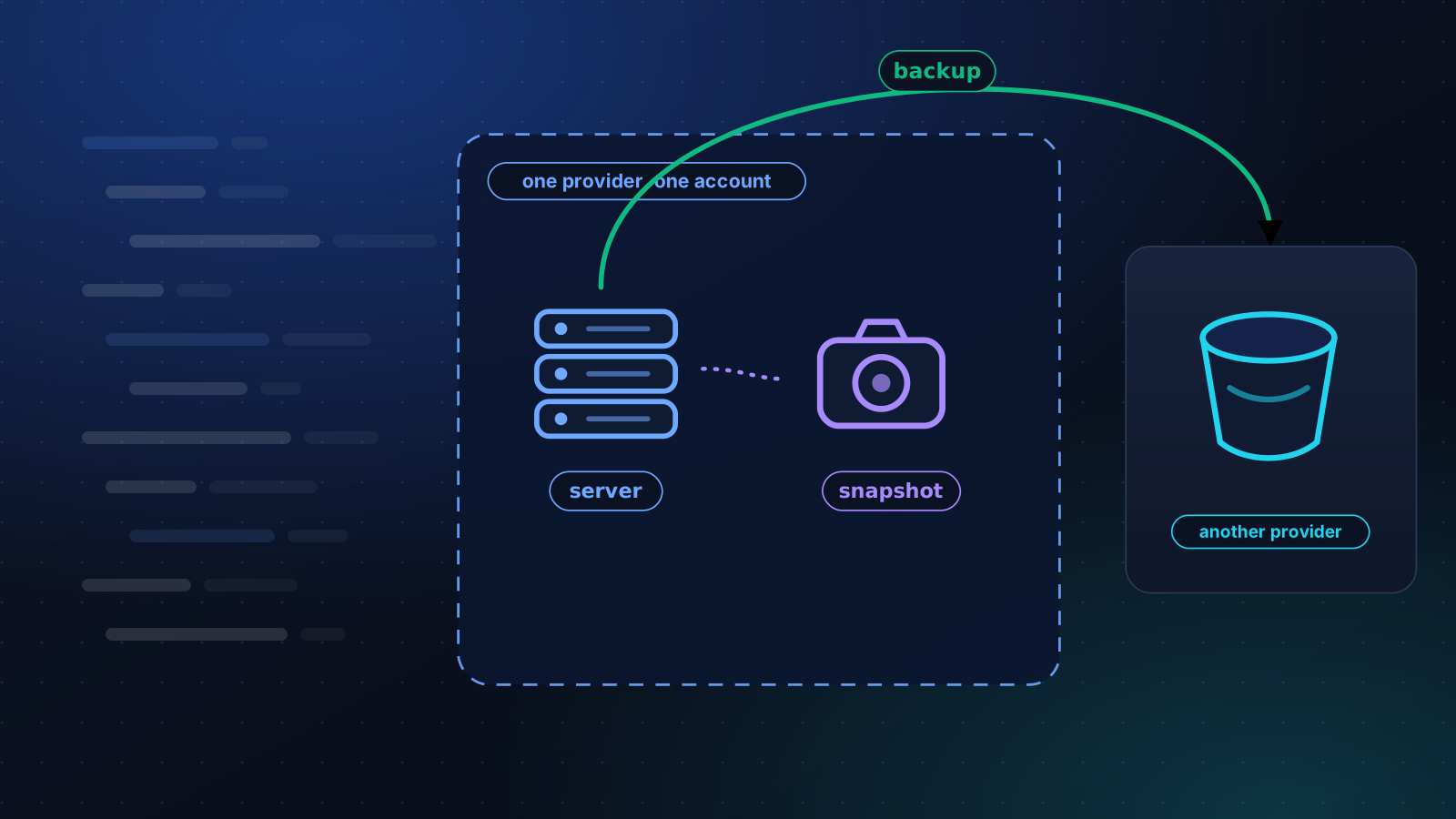
A snapshot undoes your last change. A backup survives losing the server and the account. How to tell which one you have, and a 3-2-1 plan for one VPS.
4 min read