

Backups
How to Test a MySQL or PostgreSQL Backup Restore
A backup you have never restored is a guess. Here is how to load a MySQL or PostgreSQL dump into a scratch database and prove that it is usable.
By Techie Gain5 min read
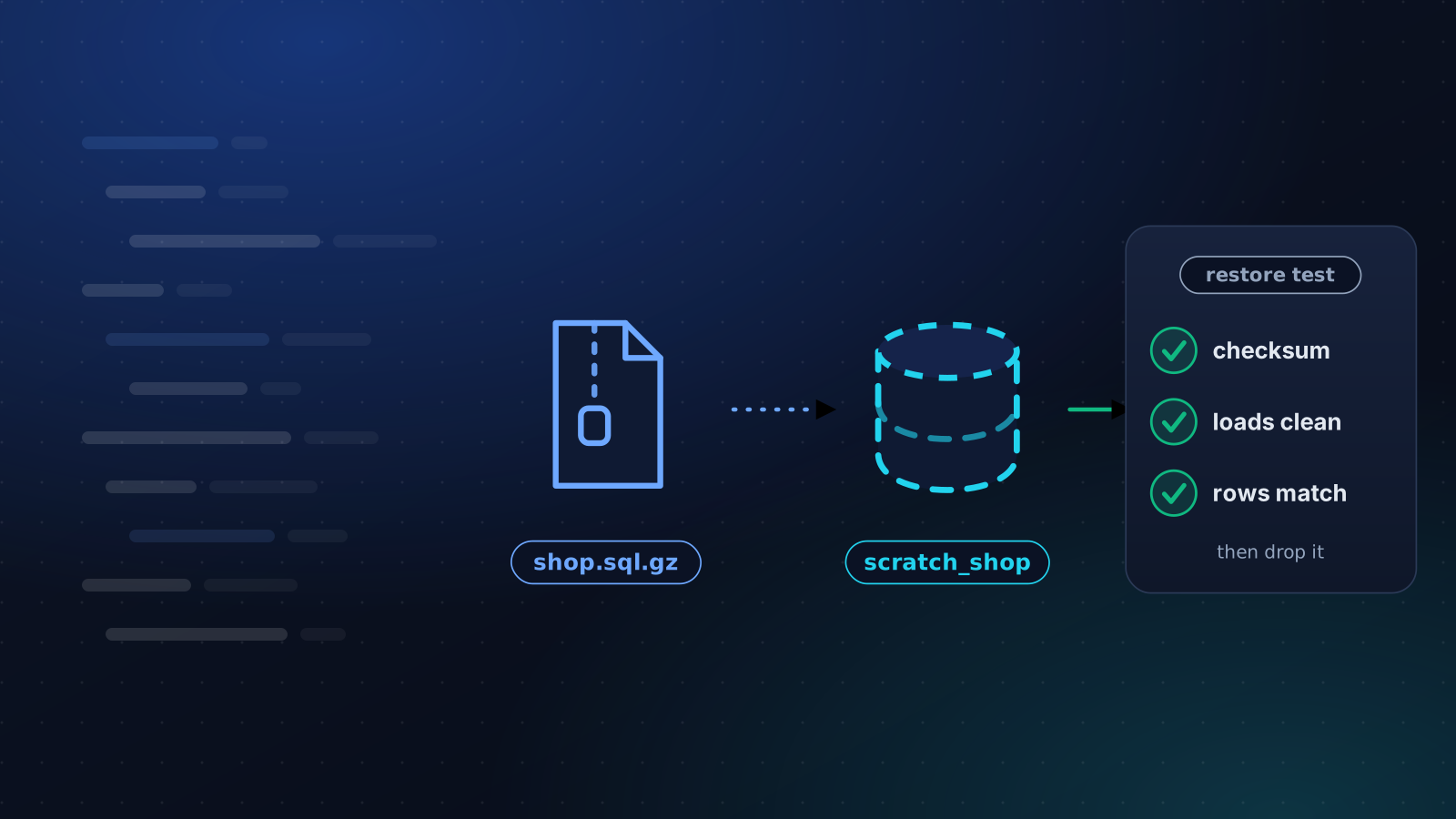
A backup you have never restored is a hope with a timestamp. The only test that counts is loading it somewhere harmless and asking the data a few questions. The first time takes about half an hour. After that it is a script, and the real work is deciding what "it worked" has to mean.
What a passing restore proves
Four things, in this order, because each one rules out a different way of being wrong. The file you stored is the file you wrote. The file is complete. It loads into an empty database without an error. And the rows you care about are in it.
Most backups that get called tested only reach the second step. A complete file that will not load is the one you meet at the worst possible moment.
Where to restore it
Not on the production database server, and not with production credentials. A throwaway container, or a small spare server running the same major version of the database, is ideal, because a version difference is one of the things you are testing. It needs more free disk than the dump file suggests, since the data is expanded and every index is built again.
If you cannot get a second machine, a scratch database on the same server will do, with the caveat under "A dump can run code" below.
The MySQL and MariaDB version
Start with the cheap checks:
bash
sha256sum -c shop.sql.gz.sha256
gzip -t shop.sql.gz
zcat shop.sql.gz | tail -n 2
The last command should print a line that begins -- Dump completed on. mysqldump writes it last, so a dump that was cut short does not have it. Then load the file into a scratch database and read it back:
bash
mysql -e "CREATE DATABASE scratch_shop"
zcat shop.sql.gz | mysql scratch_shop
mysqlcheck --check scratch_shop
mysql -N -e "SELECT COUNT(*) FROM scratch_shop.orders"
Compare that count with production, allowing for the orders placed since the dump was taken. Use an exact COUNT(*). The row estimates in information_schema are fine for a glance and wrong for a test.
In a script, add set -o pipefail. The exit code of a pipeline belongs to its last command, so without it a failure in zcat is never seen.
The PostgreSQL version
Same shape, different tools. pg_restore --list shop.dump reads the archive's table of contents and fails on a damaged file without touching a database. Then:
bash
createdb scratch_shop
pg_restore --no-owner --exit-on-error -d scratch_shop shop.dump
psql -d scratch_shop -c "SELECT COUNT(*) FROM orders"
If your backup is plain SQL rather than the custom format, load it with psql -v ON_ERROR_STOP=1 -f shop.sql. Without that flag psql carries on past an error and still exits with 0, which is how a half-loaded database gets reported as a success.
When the load fails
Three errors turn up again and again, and each one tells you something about the backup rather than the tool.
Unknown collation: 'utf8mb4_0900_ai_ci'means the dump came from MySQL 8 and is being loaded into MariaDB or an older MySQL. Restore onto the same engine and major version, or keep a copy of the dump converted for the target.The user specified as a definer does not existmeans a view, trigger or routine was created by an account the new server has never heard of. Create the account first.Got a packet bigger than 'max_allowed_packet' bytesmeans one row or statement is larger than the target allows. Raise the limit on the restore server, not only on the source.
Fix each one once and write the fix next to the backup procedure. It costs far less now than it will in the middle of an outage.
Three things that fooled us
We build restore tests into our own platform, and all three of these turned up while doing it.
A dump can run code. A dump taken with --events carries the database's scheduled events. Load it onto a server whose event scheduler is on and the events start firing as soon as they exist. We proved it with a canary: three rows landed in an unrelated database within three seconds of the load. A scratch restore on a shared server needs the events cut out first, or a separate instance where nothing else lives.
CHECK TABLE cannot read every table. MEMORY tables answer with "the storage engine for the table doesn't support check". That is a note, not corruption, but a script that treats anything other than OK as a failure will cry wolf every week until somebody stops reading it. Count those tables separately.
A GTID line refuses to load. On a server with GTIDs switched on, a dump can carry a SET @@GLOBAL.GTID_PURGED statement, and loading it onto a server with its own GTID history fails. Taking dumps with --set-gtid-purged=OFF avoids it. MariaDB's mysqldump does not know that option, so add the flag only where the tool understands it.
Make it boring
Do it by hand once, so you know what a pass looks like and how long the restore takes. That duration is the number to remember. It is the time your site is down in a real incident, plus however long it takes to find the file.
Then schedule it. Weekly is enough for most sites. What you want from the schedule is simple. A failed restore should alert someone. A restore that could not run, because the server was unreachable or the disk was full, should be reported differently, since it says nothing about the backup. And a copy that fails should stop counting toward your retention, so that keeping the last three copies means keeping three that work.
That last rule is the one people forget. Pruning counts files, and a count of files is not a count of backups you can restore. Our guide to checking that a backup restores walks through the same checks in the dashboard, and Backup Verification runs them every week. If your only copy is a provider snapshot, read what a snapshot does and does not cover first.
Keep reading
Backups
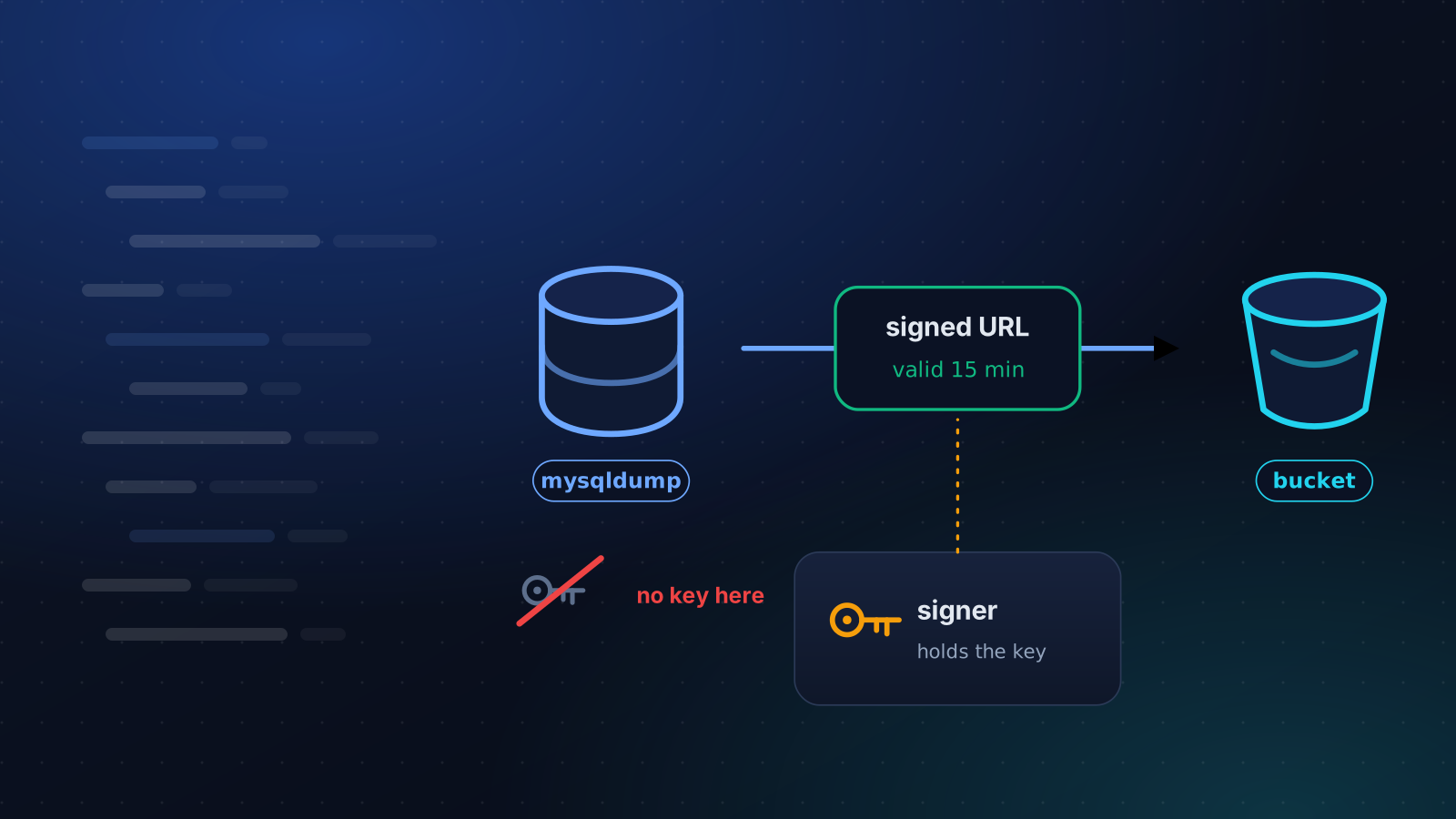
Back Up MySQL to S3 Without Keys on the Server
Most MySQL to S3 scripts leave a bucket key on the server. Here is a mysqldump pipeline that uploads with a short-lived presigned URL instead.
4 min read
Backups
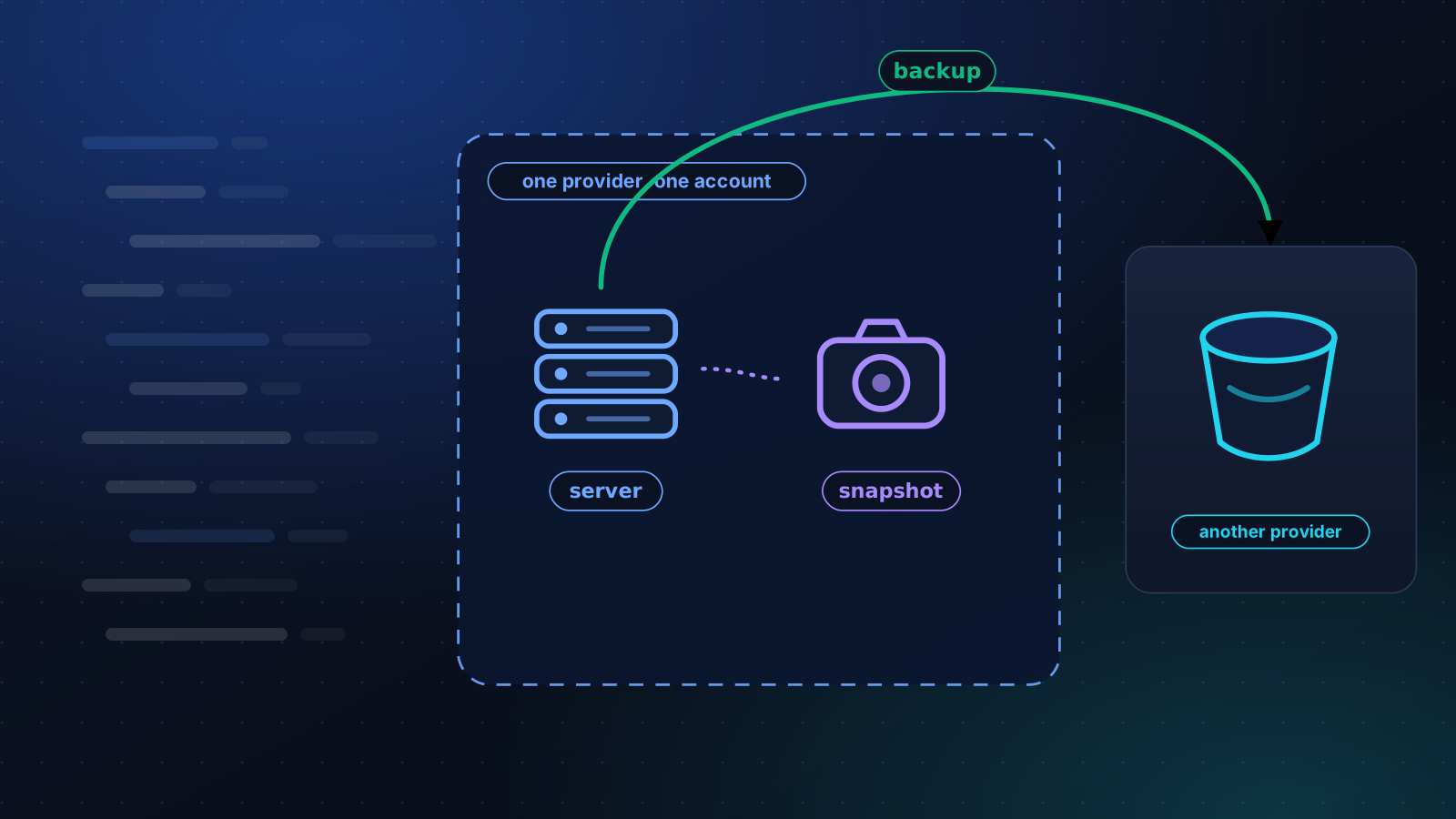
VPS Snapshot vs Backup: What Each One Covers
A snapshot undoes your last change. A backup survives losing the server and the account. How to tell which one you have, and a 3-2-1 plan for one VPS.
4 min read
Monitoring
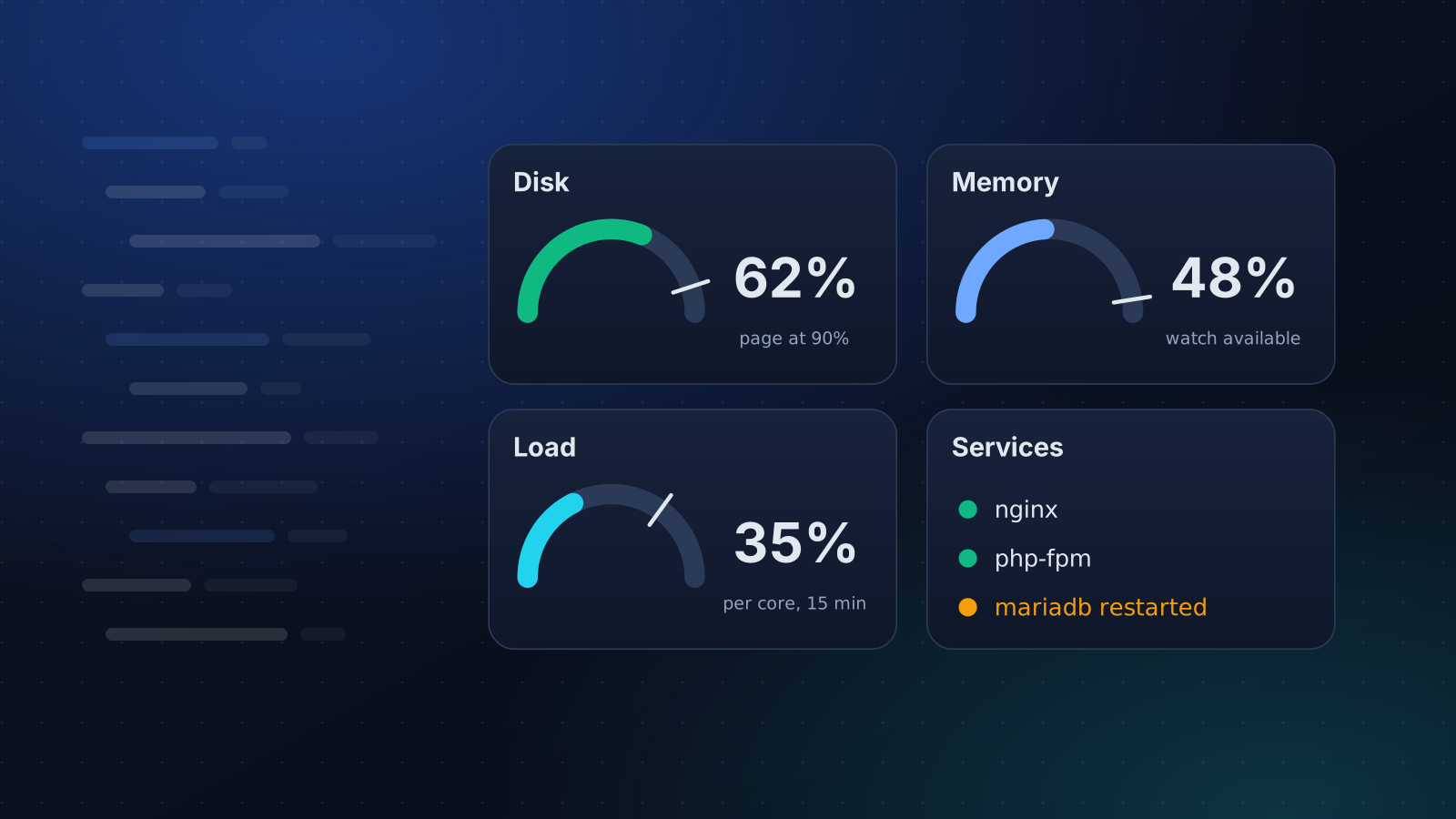
What to Monitor on a Linux Server
A short, opinionated list of what to watch on a Linux server, the thresholds worth alerting on, and what to leave out so alerts stay worth reading.
4 min read