

Backups
Back Up MySQL to S3 Without Keys on the Server
Most MySQL to S3 scripts leave a bucket key on the server. Here is a mysqldump pipeline that uploads with a short-lived presigned URL instead.
By Techie Gain4 min read
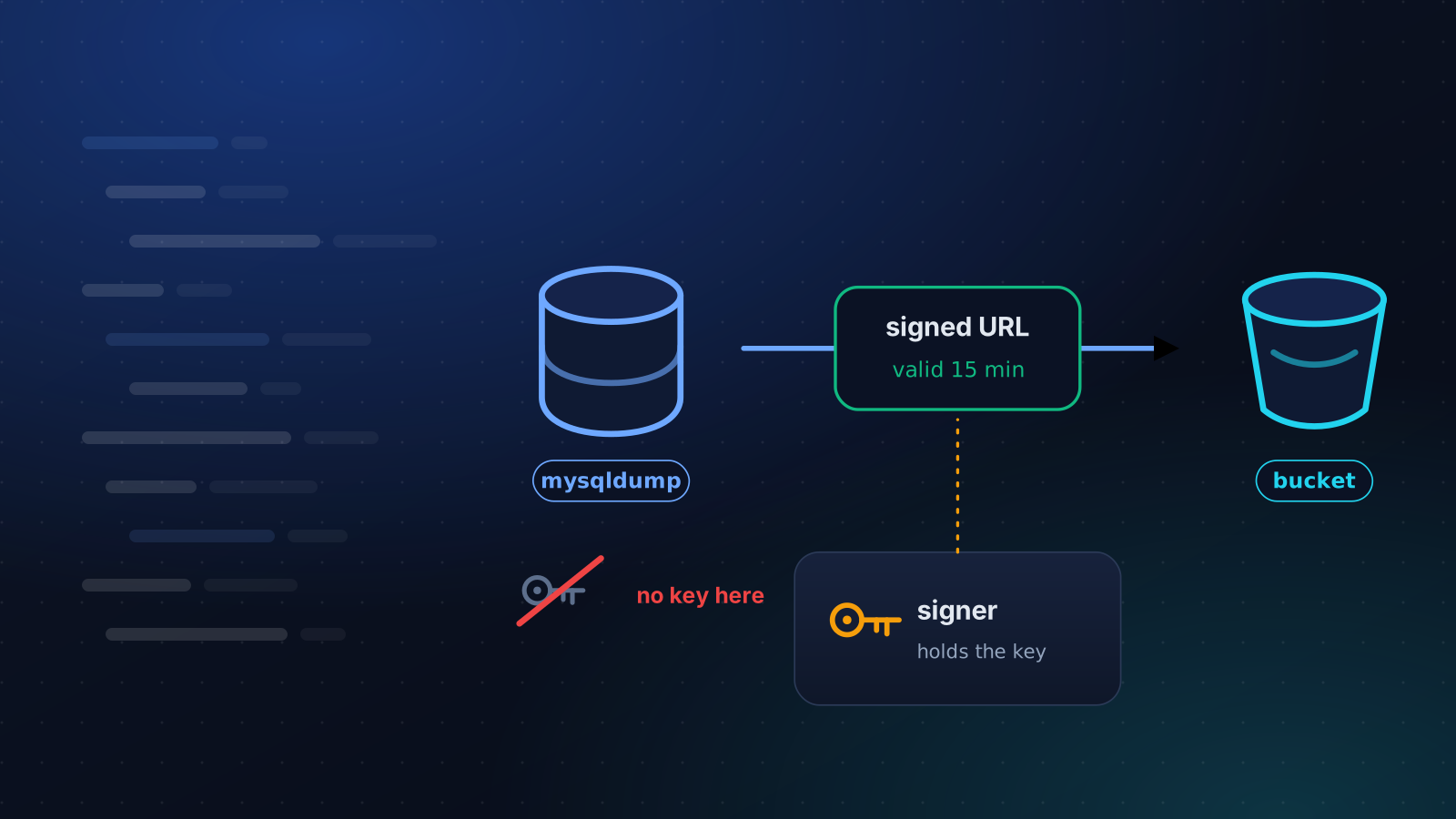
The usual script for backing up MySQL to S3 is four lines long and works the first time: mysqldump, gzip, aws s3 cp, a cron entry. It has one property that is easy to miss. The server now holds a key that can write to your bucket, and often delete from it.
Anyone who gets into that server gets the key. Your backups, which contain every customer record you have, become theirs to read, and the same key can usually erase them. Ransomware crews go looking for exactly this.
A signed URL is a key for one object
An S3 presigned URL is an address with a signature in it. It lets whoever holds it perform one operation, a PUT of one named object, until a time you choose, and nothing else. It cannot list the bucket, read other backups or delete anything.
The signature is made somewhere other than the database server, by whatever holds the real secret. The server receives only the URL. If the server is compromised during the quarter of an hour the URL is valid, the attacker can overwrite that one object. After that the URL is worthless.
Lifetimes can be set as long as seven days for long-lived credentials. Use minutes.
The pipeline, and the thing that breaks it
You cannot pipe the dump straight into the upload. S3 wants to know the size of a PUT before it starts, and a pipe has no size, so curl falls back to chunked transfer encoding and S3 refuses it with a 501. Write the compressed dump to a file first:
bash
mysqldump --single-transaction --routines --triggers --events shop | gzip -c > /var/tmp/shop.sql.gz
curl --fail --silent --show-error --upload-file /var/tmp/shop.sql.gz "$UPLOAD_URL"
rm -f /var/tmp/shop.sql.gz
--upload-file with a real file sends a Content-Length, and the PUT goes through. The cost is disk space: room for the compressed dump, so check it before a night when the database has doubled.
A single PUT can carry up to 5 GB. Beyond that, or when you cannot spare the disk, use multipart upload: send the stream as parts of at least 5 MiB, ask for one signed URL per part, and finish with a request that joins them. It is more code, and it is the right answer for anything large.
Where the URL comes from
Not the AWS CLI. aws s3 presign only creates download links. For uploads you use an SDK, and the call is short:
python
import boto3

s3 = boto3.client("s3", region_name="eu-central-1")
print(s3.generate_presigned_url(
    "put_object",
    Params={"Bucket": "acme-db-backups", "Key": "shop/2026-10-12.sql.gz"},
    ExpiresIn=900,
))
Run that on a machine that is not the database server, a small signer you control, and hand the URL to the backup job. If the signed headers include a content type, the PUT has to send the same one, or S3 rejects the signature.
Dump flags that matter
--single-transaction gives a consistent InnoDB snapshot without locking tables, and does nothing for MyISAM. --routines --triggers --events keep the programmable parts of the database.
On a server with GTIDs turned on, mysqldump records the GTID position by default, which needs the RELOAD privilege. Run as an account that owns one database, it stops with an access denied error about a privilege that has nothing to do with your data. In our lab on MySQL 8.0 with GTIDs on, adding --set-gtid-purged=OFF fixed it, and it also keeps replication state out of a dump that is meant to restore data. MariaDB's mysqldump has no such option, so test for it before you pass it.
Use a dedicated account for dumps. For a single database it needs SELECT, SHOW VIEW, TRIGGER and EVENT, and --no-tablespaces saves you from granting PROCESS.
Make it fail loudly
A backup script that fails in silence is worse than none, because you believe you are covered. Put set -euo pipefail at the top, add --retry 3 to curl so a dropped connection is not the end of the night, and have the job report success somewhere that alerts you when the report stops arriving. The question to answer is whether last night's backup landed, and the absence of an error email does not answer it.
Encrypt what you would not email
S3 encrypts new objects at rest by default now, which protects against a lost disk and not against a leaked key. If a dump is sensitive enough that the storage provider should not be able to read it, encrypt it before it leaves the server with age or gpg, and keep that key somewhere that is not the server. Then prove you can decrypt a backup from a machine that has never seen it.
What this does not fix
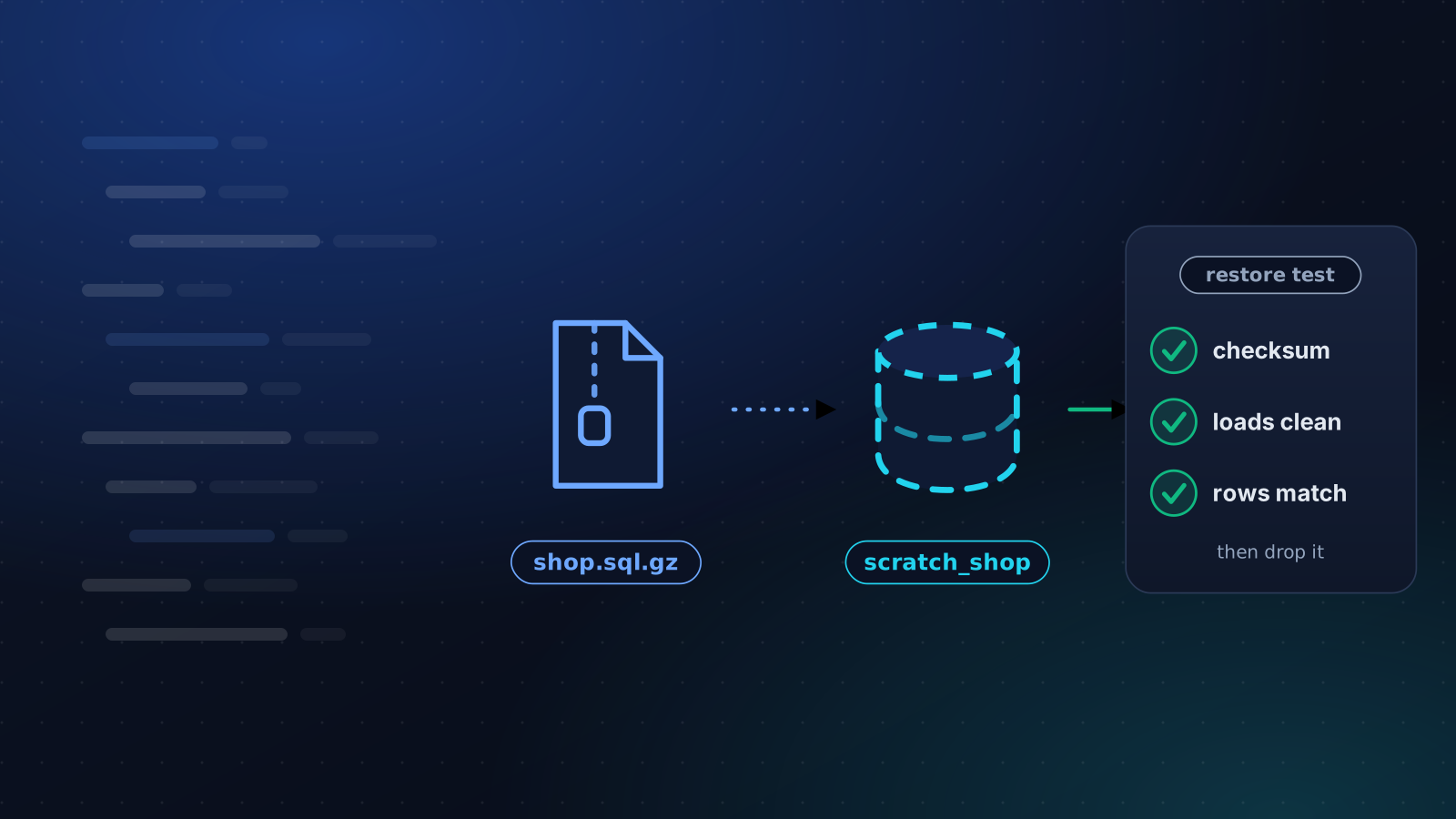
A key-free upload protects the bucket. It says nothing about whether the dump restores, or whether somebody notices when the job stops running. Load a dump into a scratch database before you trust the pipeline, with this restore test, and alert on a backup that did not arrive.
This is the design behind our backups. Your storage secret stays encrypted on the platform, only short-lived links go to the server, and large backups travel in 100 MB pieces while they are being made, so the server does not need room for the whole archive. If a snapshot is all you have today, start with the difference between the two.
Keep reading
Backups
How to Test a MySQL or PostgreSQL Backup Restore
A backup you have never restored is a guess. Here is how to load a MySQL or PostgreSQL dump into a scratch database and prove that it is usable.
5 min read
Backups
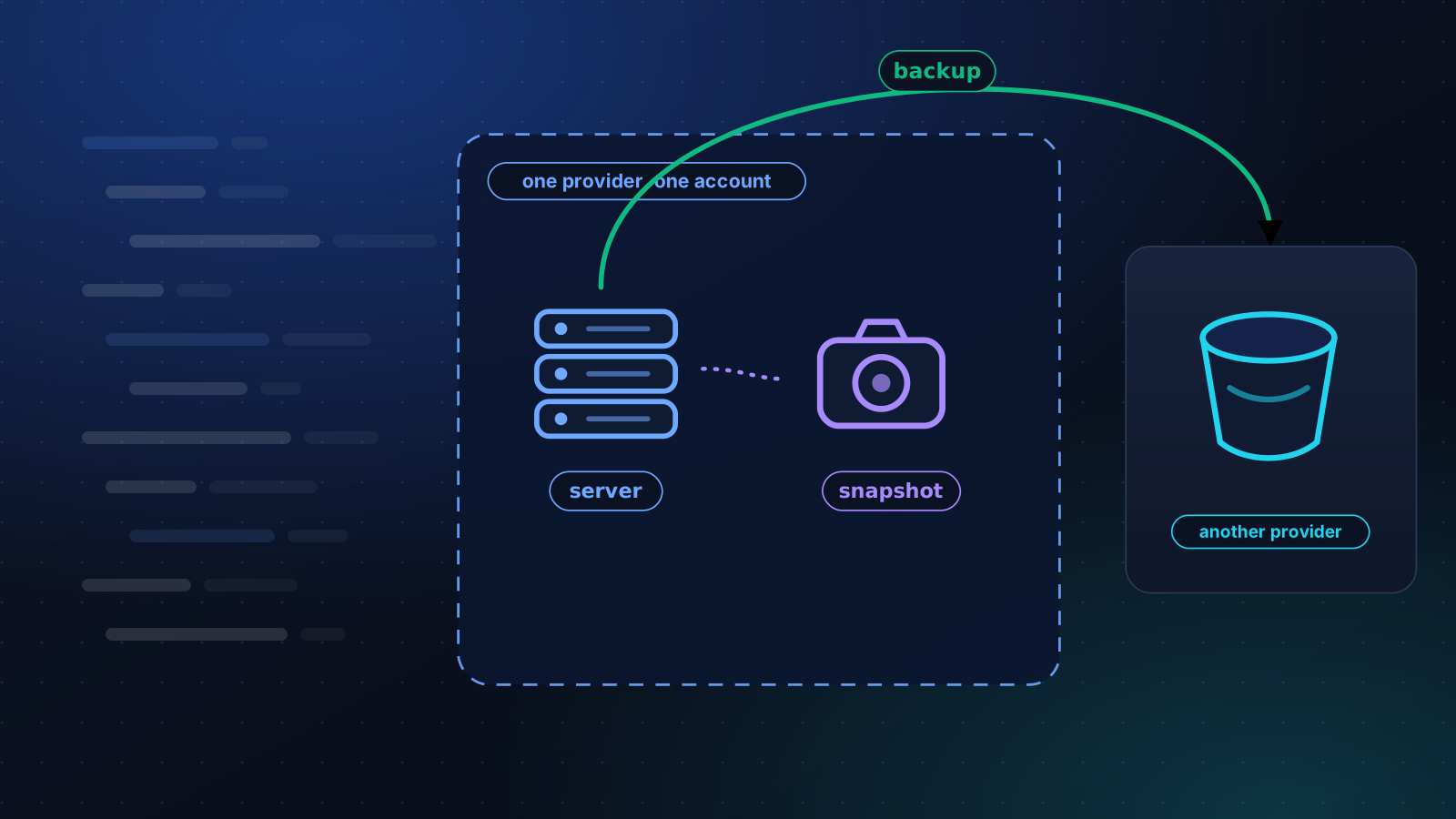
VPS Snapshot vs Backup: What Each One Covers
A snapshot undoes your last change. A backup survives losing the server and the account. How to tell which one you have, and a 3-2-1 plan for one VPS.
4 min read
Security
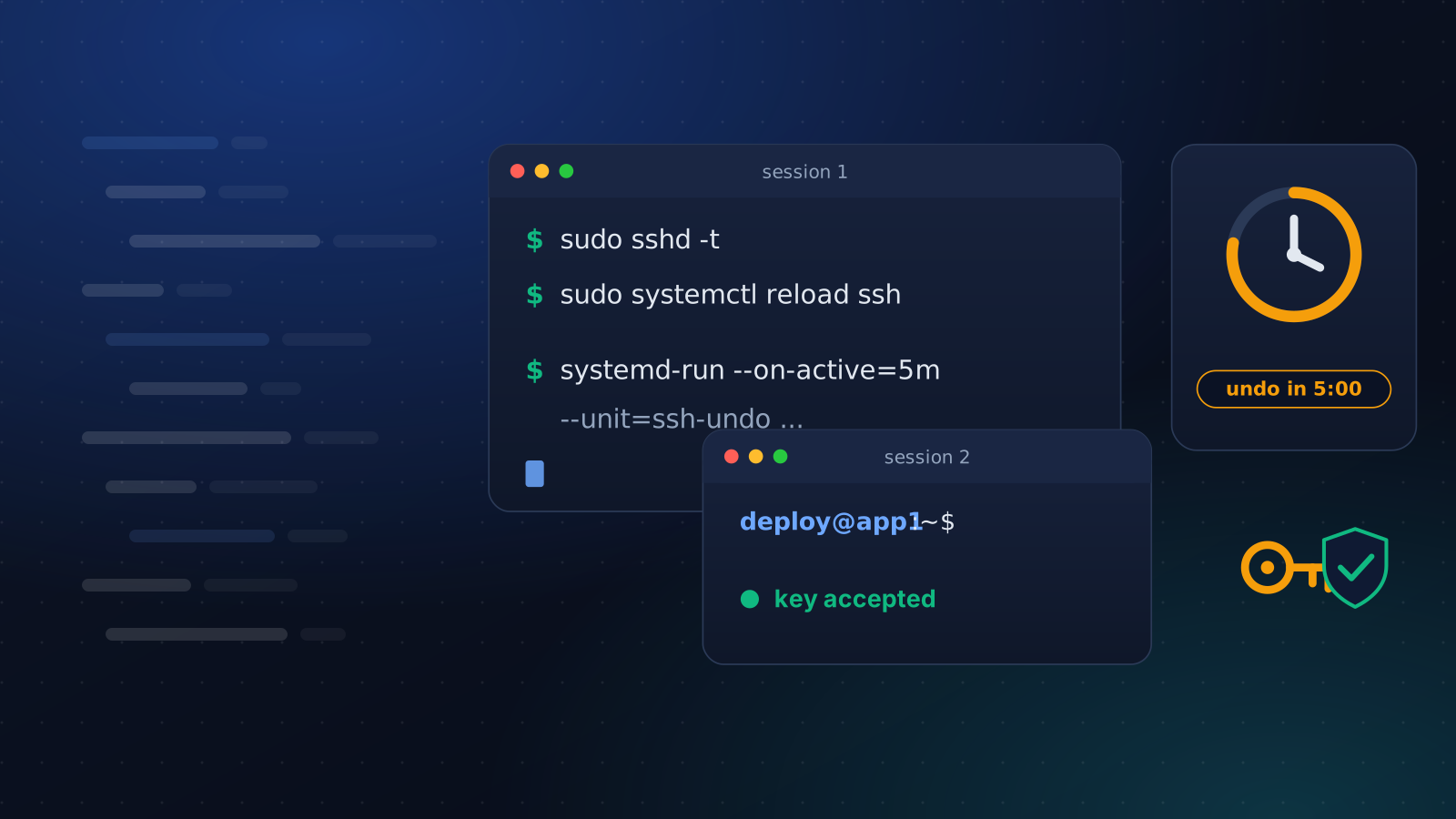
Harden SSH Without Locking Yourself Out
Turning off password logins takes one line and can cost you the server. The order that keeps a way in: a drop-in file, a second session and an undo timer.
4 min read