

Automation
How to Check If a Linux Server Needs a Reboot
Ubuntu leaves a flag file, RHEL has needs-restarting and Debian often has neither. How to tell a restart from a reboot and check every server the same way.
By Techie Gain5 min read
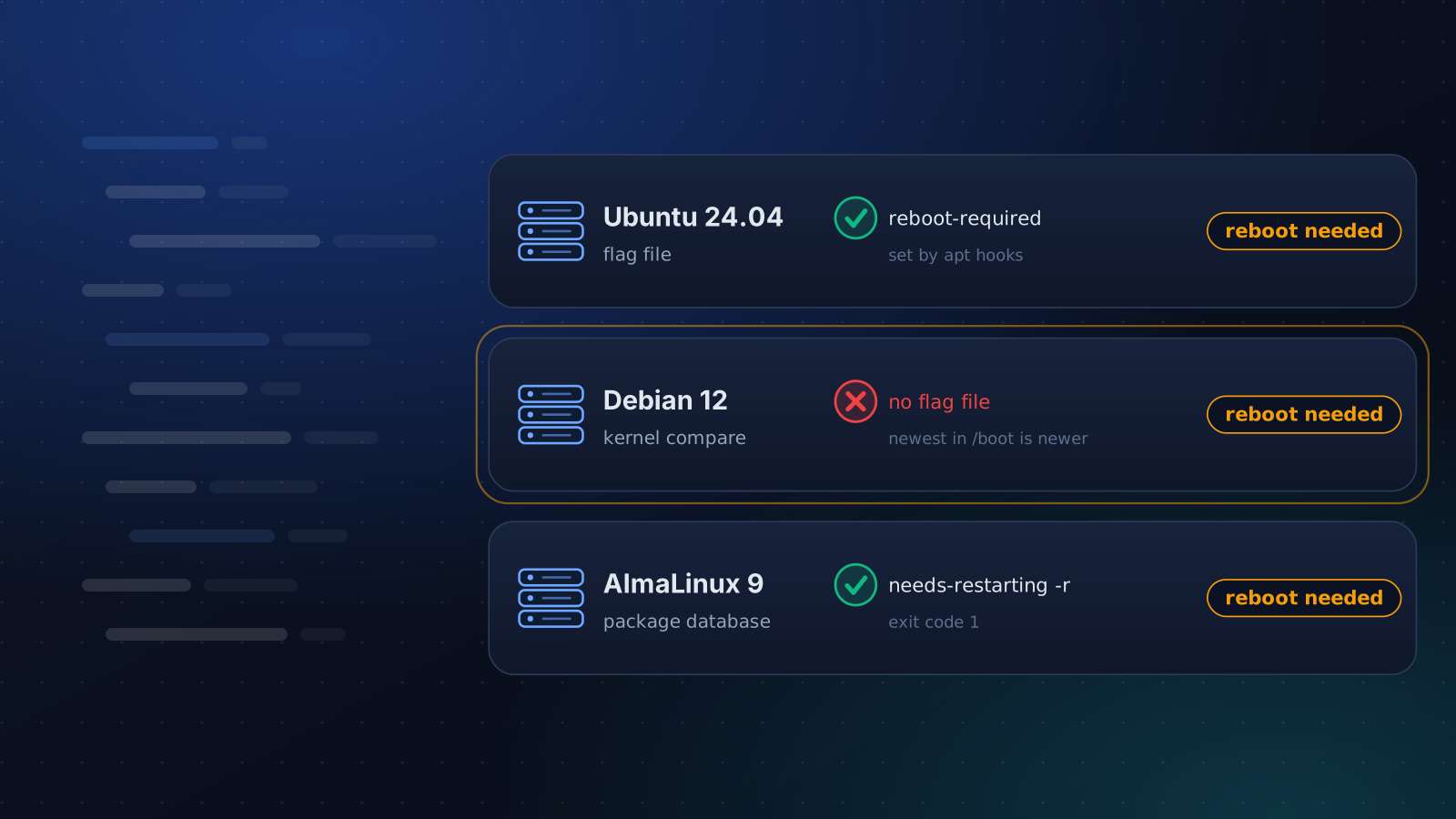
An update is installed the moment the package manager finishes. Whether the server is running it is a separate question, and the place to look differs by distribution. Most advice says to look for /var/run/reboot-required, which is an Ubuntu convention. On Debian that file is usually missing even when a new kernel is waiting to be booted.
We ran the commands below on the systems they apply to: Ubuntu 24.04, Debian 12, AlmaLinux 9 and Amazon Linux 2023. A container cannot boot a kernel, so the kernel comparison and needrestart's kernel status come from the vendors' documentation and needrestart's own source, not from a run.
A restart is not a reboot
A library update changes nothing for a process that loaded the old copy when it started. Restarting that service fixes it, and the rest of the server keeps running. A new kernel is different, because nothing short of a reboot loads it. Between the two sit core libraries such as glibc, which Red Hat's tool and Ubuntu's flag both treat as reboot material.
So there are two questions: which services need a restart, and does the machine need a reboot. They have different tools.
Ubuntu: the flag file
Ubuntu's update-notifier-common package ships a script that the install scripts of libc6, libpam0g and dbus call, plus a hook that does the same for new kernels. They create /var/run/reboot-required, containing *** System restart required ***, and list the packages responsible in a second file:
bash
cat /var/run/reboot-required.pkgsTwo limits are worth knowing. A package that does not call the script never sets the flag, which is correct: reinstalling tzdata left it alone. And when Canonical Livepatch is active, the kernel hook skips the flag after a kernel upgrade, so a server can run an old kernel with nothing flagged.
Debian: usually no flag
Debian 12 has no update-notifier-common, so no library package creates the flag. The one source is a side effect of unattended-upgrades, which installs a kernel hook that touches /var/run/reboot-required whenever a kernel package is installed. We tried it. Installing a kernel on a plain Debian 12 left no flag, installing it with unattended-upgrades present created one, and reinstalling libc6 created none.
That has two consequences. A script that tests for the file reports a server as clean while it still runs the kernel from before the update. And Automatic-Reboot "true" in unattended-upgrades only acts when the file exists, so without it the setting does nothing.
Ask the kernel instead:
bash
uname -r
ls /boot/vmlinuz-*
If the newest image in /boot has a higher version than uname -r, the new kernel is installed and not running. Where needrestart is installed, needrestart -b -k makes the comparison and prints a NEEDRESTART-KSTA line: 1 means the running kernel is current, 2 an ABI-compatible update is pending, 3 a newer version is installed, and 0 that it could not tell.
RHEL, AlmaLinux, Rocky and Amazon Linux
The RHEL family has no flag file. It asks the package database:
bash
sudo needs-restarting -rThe exit code is 0 when nothing core has changed since boot and 1 when something has, and the output names the packages. After we reinstalled glibc, it exited 1 on both AlmaLinux 9 and Amazon Linux 2023 and listed glibc. On a fresh image the command is not installed, which is why needs-restarting: command not found is such a common search. The package is yum-utils on AlmaLinux 9 and dnf-utils on Amazon Linux 2023. Add -s to list the services that need a restart instead.
needrestart: which services, and an Ubuntu 24.04 surprise
On Debian and Ubuntu, needrestart finds services still running old libraries. sudo needrestart -b prints one NEEDRESTART-SVC: line for each and restarts nothing, and -p prints Nagios-style output and exits 1 when anything is out of date.
What happens after apt finishes differs by release. We reinstalled libc6 without a terminal on both. Debian 12 listed ssh.service as due for a restart and left it alone. Ubuntu 24.04 restarted it, and the process ID changed. Ubuntu made that change on purpose, so that library fixes apply without anyone choosing to restart. For a script halfway through a deployment, it is a surprise.
To get the list without the restart, set NEEDRESTART_MODE=l for one run, or put one line in a drop-in file:
bash
echo "\$nrconf{restart} = 'l';" | sudo tee /etc/needrestart/conf.d/50-list-only.confWe checked the drop-in on Ubuntu 24.04. The same reinstall then only listed ssh.service.
Check every server the same way
One script can cover all three families and print one line per server:
sh
#!/bin/sh
needed() {
  [ -f /var/run/reboot-required ] && return 0
  if command -v needs-restarting > /dev/null; then
    needs-restarting -r > /dev/null 2>&1
    [ $? -eq 1 ]
    return
  fi
  newest=$(ls /boot/vmlinuz-* 2> /dev/null | sed 's|/boot/vmlinuz-||' | sort -V | tail -n 1)
  [ -n "$newest" ] && [ "$newest" != "$(uname -r)" ]
}
if needed; then echo "$(uname -n): reboot needed"; else echo "$(uname -n): ok"; fi
It checks the flag, then needs-restarting where it exists, then the kernel comparison. With no kernel image in /boot, as in a container or on a provider-managed kernel, it says ok, because it cannot tell. We ran it on all four systems, covering a flag file, an old running kernel, a current kernel and a freshly updated glibc.
When to reboot
Pick a window, reboot redundant servers one at a time, and check the services you care about afterwards. A reboot after patching is also the cheapest proof that the server still starts cleanly. Before a reboot, check that no update is still running: the post on apt's lock shows how to see who holds it. The monthly routine around it is in how to patch Linux servers without breaking production.
The Update Packages playbook notes when a reboot is waiting, never performs one, and sets needrestart to list mode so that no service restarts behind your back. To run the check above on a whole group, use the Command Runner.
Keep reading
Automation
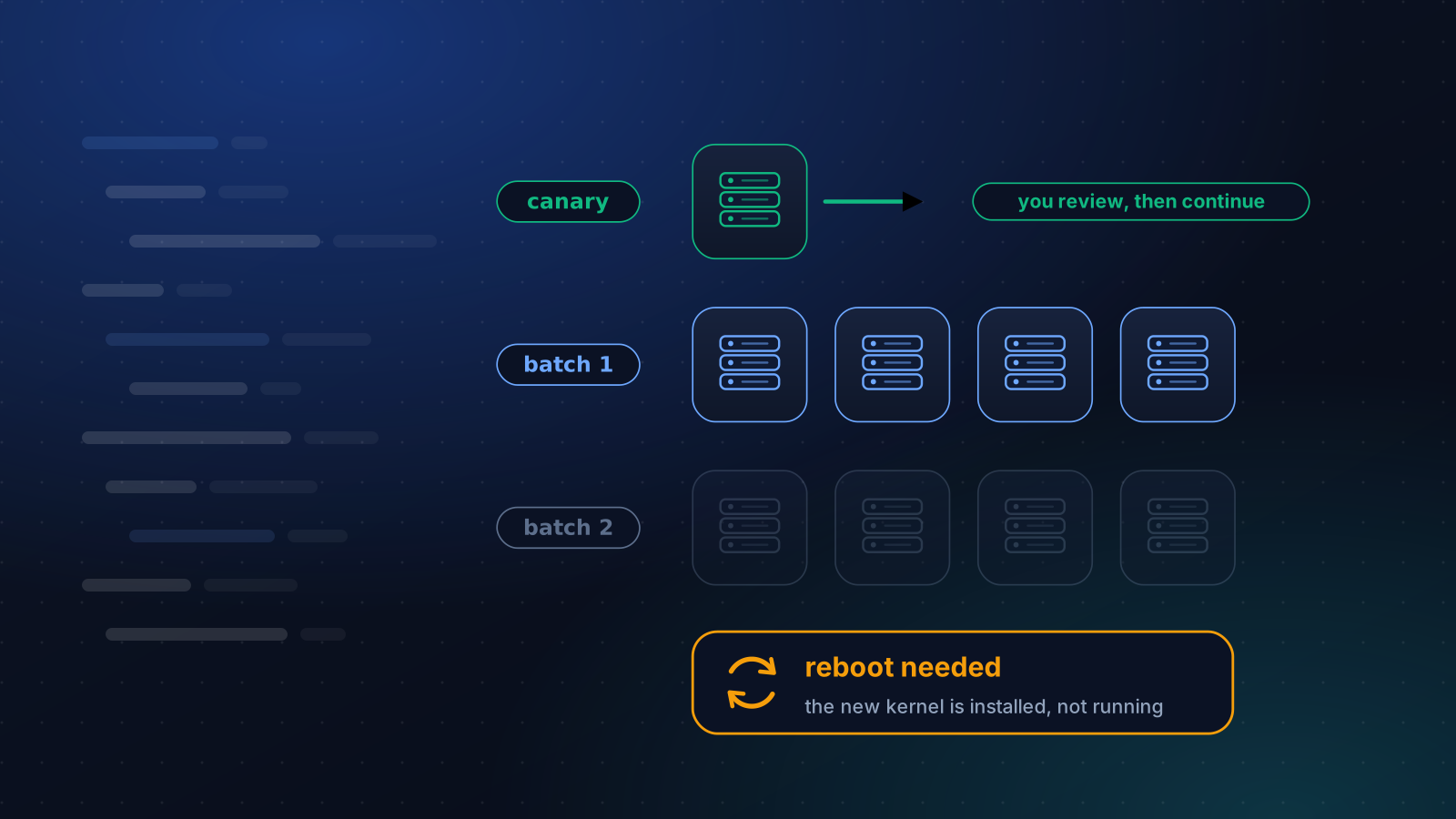
How to Patch Linux Servers Without Breaking Production
How often to patch, what to automate and what to stage, how to handle reboots, and a canary routine that a small team can keep up month after month.
5 min read
Operations
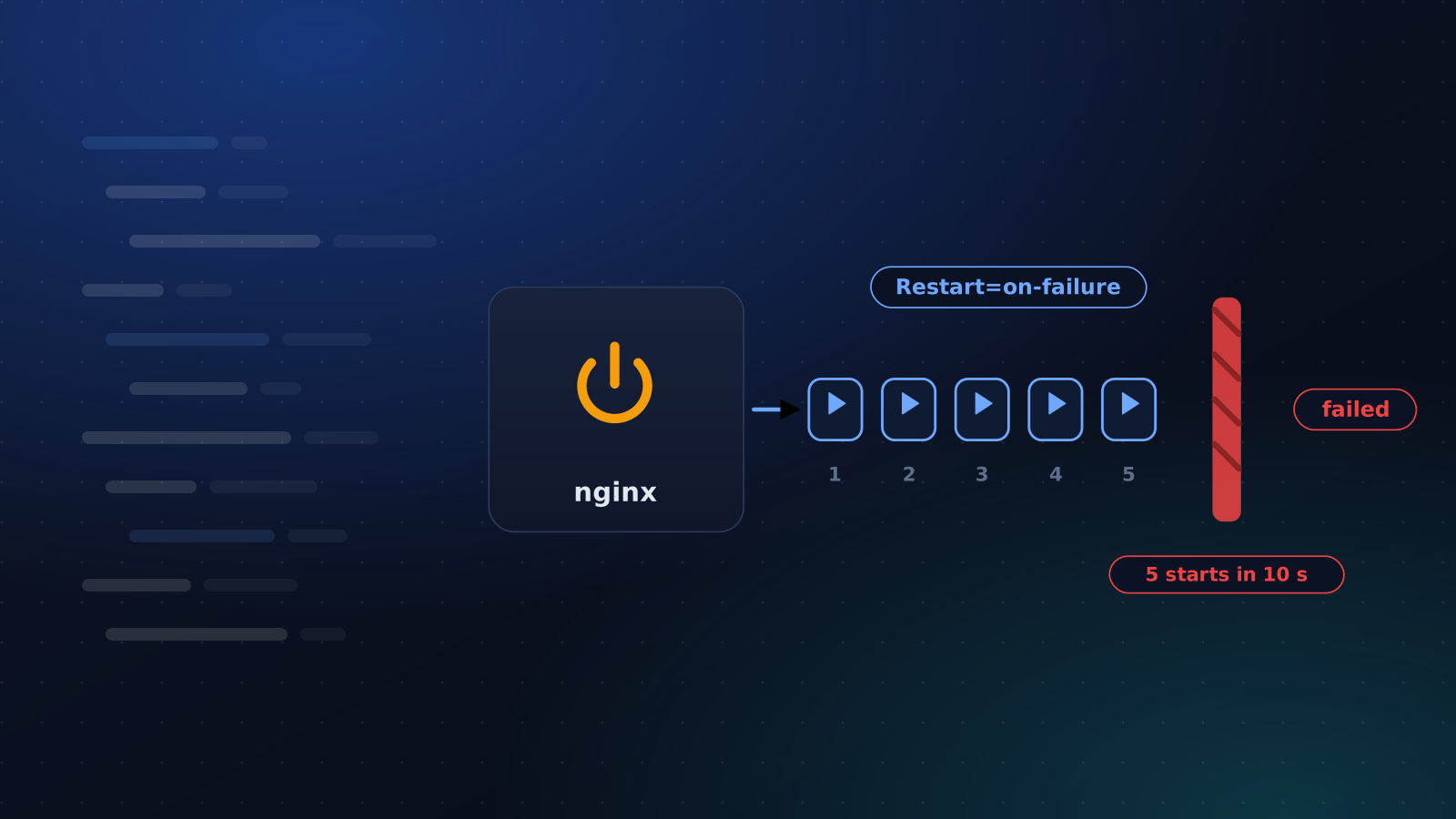
Restart a Crashed Service Automatically With systemd
Two lines make systemd restart a crashed service. Here is the start limit that quietly stops it, the failures it cannot see and how to hear about restarts.
4 min read
Operations
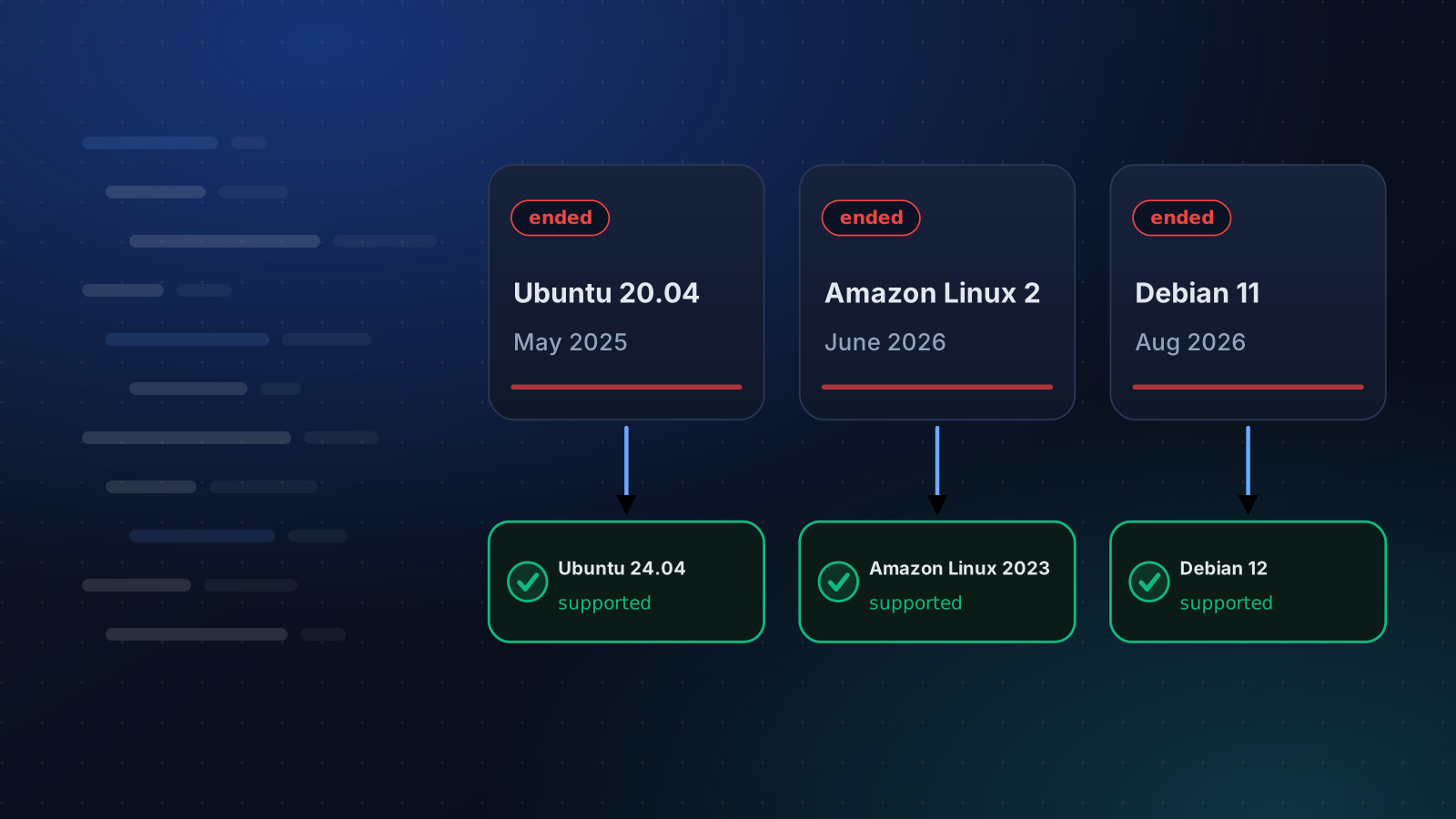
Ubuntu 20.04, Debian 11 and Amazon Linux 2 Are End of Life
Ubuntu 20.04 lost standard support in May 2025, Amazon Linux 2 on 30 June 2026 and Debian 11 on 31 August 2026. What that means and how to move.
4 min read