

Operations
Nginx 502 Bad Gateway: Read the Error Log Line First
A 502 from nginx always leaves one line in the error log. Match it to a stopped PHP-FPM, a wrong socket, permissions, a crashed worker or a big header.
By Techie Gain5 min read
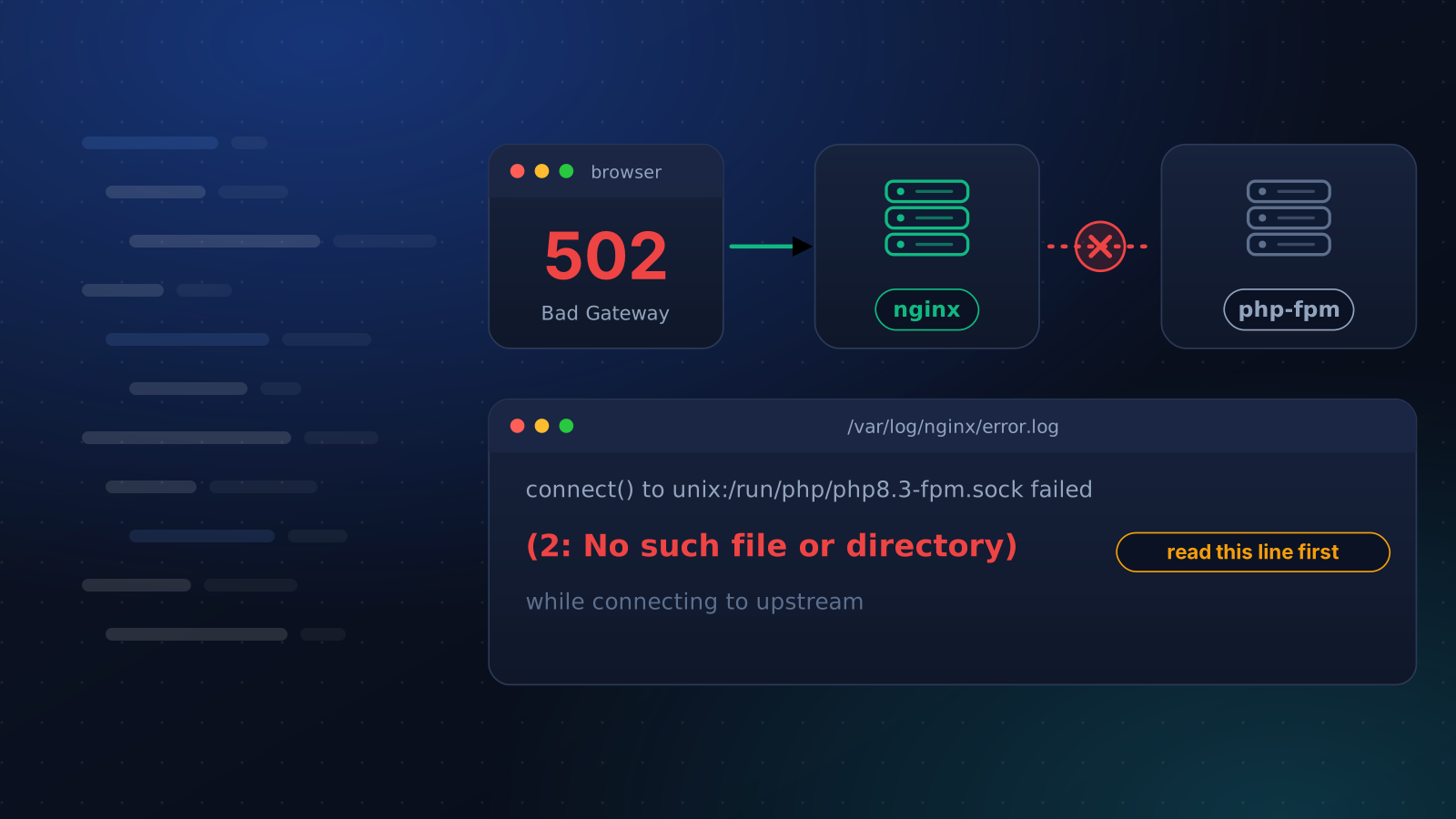
A 502 means nginx is working and the program behind it is not. When you saw the error page, nginx wrote the reason to /var/log/nginx/error.log as a single line. Restarting services at random fixes a 502 only when the guess matches that line, and reading it takes a minute.
We reproduced every error-log line in the table on Debian 12 (nginx 1.22, PHP 8.2) and Ubuntu 24.04 (nginx 1.24, PHP 8.3) in test containers. Both printed the same lines.
Start with three commands
bash
sudo tail -n 20 /var/log/nginx/error.log
systemctl status php8.3-fpm
ls -l /run/php/
Use your own PHP version in the service name. In the log, find the line that ends "while connecting to upstream" or "while reading response header from upstream". Connecting means nginx never reached the application. Reading the response header means it did and got nothing usable back.
What each line means
| The error log says | What happened |
|---|---|
(2: No such file or directory) | The socket does not exist. PHP-FPM is stopped or failed to start, or nginx names a socket from another PHP version. |
(111: Connection refused) | Nothing is answering at that address. A PHP-FPM that was killed leaves its socket file behind and produces this too. |
(13: Permission denied) | The user nginx runs as cannot open the socket. |
(11: Resource temporarily unavailable) | Every worker is busy and the queue of waiting requests is full. |
recv() failed (104: Connection reset by peer) | The worker died while it was handling the request. |
upstream prematurely closed connection | The application took the request and closed the connection without answering. |
upstream sent too big header | The response headers did not fit in nginx's buffer. |
The socket is missing or refuses nginx
With (2: No such file or directory), compare the socket name in fastcgi_pass with what ls -l /run/php/ shows. A PHP upgrade changes the name, so a site pointing at php8.1-fpm.sock breaks when only php8.3-fpm.sock exists.
If the name matches and the service is down, look at why it will not start. We set pm.max_children = 1 and PHP-FPM refused to start, while nginx logged the same "No such file" line as for a stopped service. Running sudo php-fpm8.3 -t printed the reason:
ALERT: [pool www] pm.min_spare_servers(1) and pm.max_spare_servers(3) cannot be greater than pm.max_children(1)
ERROR: failed to post process the configuration
ERROR: FPM initialization failed
Run that test after every pool edit. A (111: Connection refused) on a socket that exists means the file outlived its process. We killed PHP-FPM with kill -9 and the socket stayed, so ls proves nothing and systemctl status does.
For (13: Permission denied), ls -l on the socket shows its owner and mode. Ours was root with mode 0600, and nginx runs as www-data. Set listen.owner, listen.group and listen.mode in the pool file to match that user. On Red Hat family systems with SELinux enforcing, a socket outside /run/php-fpm/ can also be refused. ls -Z shows its label and sudo ausearch -m avc -ts recent shows the denial. We could not reproduce that case.
If nginx proxies to an application on a port, such as Node or Gunicorn, the lines are the same, with upstream: "http://127.0.0.1:3000/" in place of the socket. A (111) there means the application is down or listening somewhere else. On Rocky 9 with SELinux enforcing, a proxy to a local port gave 502 with httpd_can_network_connect off and 200 with it on; getsebool shows which.
The worker died or gave up
When PHP-FPM's own log, /var/log/php8.3-fpm.log, says child exited on signal 9 (SIGKILL), the worker was killed. Signal 11 is a crash. On a busy server a SIGKILL is often the kernel's OOM killer, and finding what the OOM killer ended takes one command.
A slow script gives two different errors, and the status code tells them apart. With request_terminate_timeout = 3 in the pool, a script that needed 8 seconds was stopped at 3 and the visitor got a 502. PHP-FPM's log said execution timed out (3.94 sec), terminating. With fastcgi_read_timeout 3; in nginx instead, the same script gave a 504 and nginx logged upstream timed out (110: Connection timed out). In that test a 502 meant the other side gave up or died, and a 504 meant nginx ran out of patience. Raising a timeout hides a slow script and seldom fixes one.
upstream prematurely closed connection is what a proxied application produces when it ends the conversation without answering. We produced it with an application that accepted a request and closed the connection. Check the application's own log for a crash.
Big headers and a full queue
A 9,000 byte response header gave a 502 with upstream sent too big header. Large cookies from a login or a plugin cause it in real sites. Setting only fastcgi_buffer_size 16k; failed nginx -t with "fastcgi_busy_buffers_size" must be less than the size of all "fastcgi_buffers" minus one buffer. Adding fastcgi_buffers 8 16k; made nginx accept it and the page returned 200. A proxied application uses proxy_buffer_size and proxy_buffers the same way. Always run sudo nginx -t before reloading.
For (11: Resource temporarily unavailable), we gave a pool one worker and a queue of one, then sent six requests for an 8 second page at once. Three failed within 20 milliseconds with that line and three waited their turn, finishing after 8, 16 and 24 seconds. The real fixes are faster scripts or more workers, sized so the pool still fits in memory.
When nobody is watching
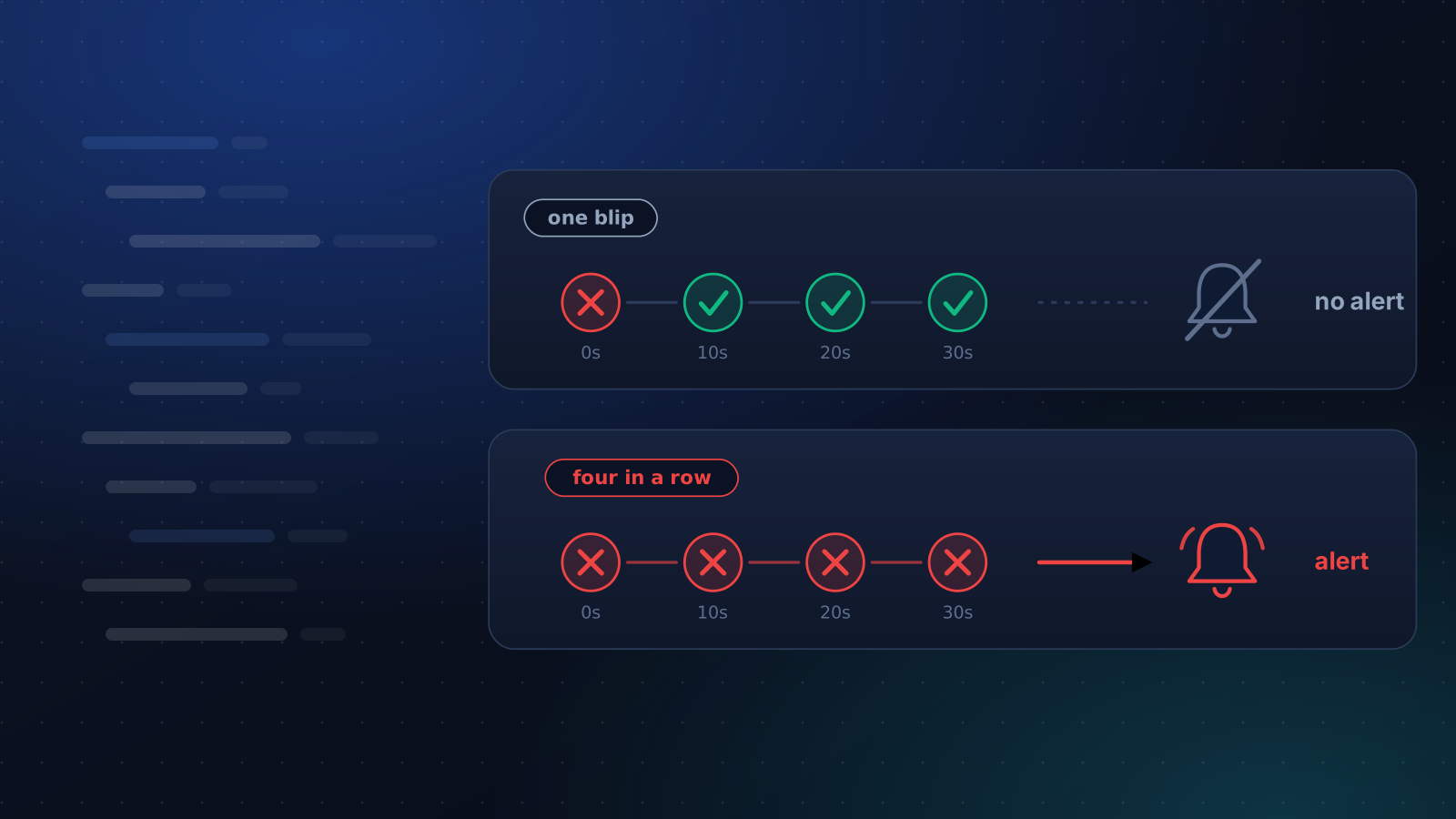
A 502 at 3 a.m. leaves its line in the log until you look. The uptime monitor tries a failed check again after 10 seconds and calls a site down only after four failures in a row, so a single 502 sends nothing. Why an uptime monitor sends false alerts explains the rule.
If the monitor is linked to a server, Auto-Fix then starts any stopped web, PHP or database service and reloads PHP-FPM before alerting you, and the alert says what it tried. It cannot repair a wrong socket path, a permission or a pool setting PHP-FPM refuses. Those need the line above, and restarting a crashed service with systemd covers what a restart does and does not solve.
Keep reading
Monitoring
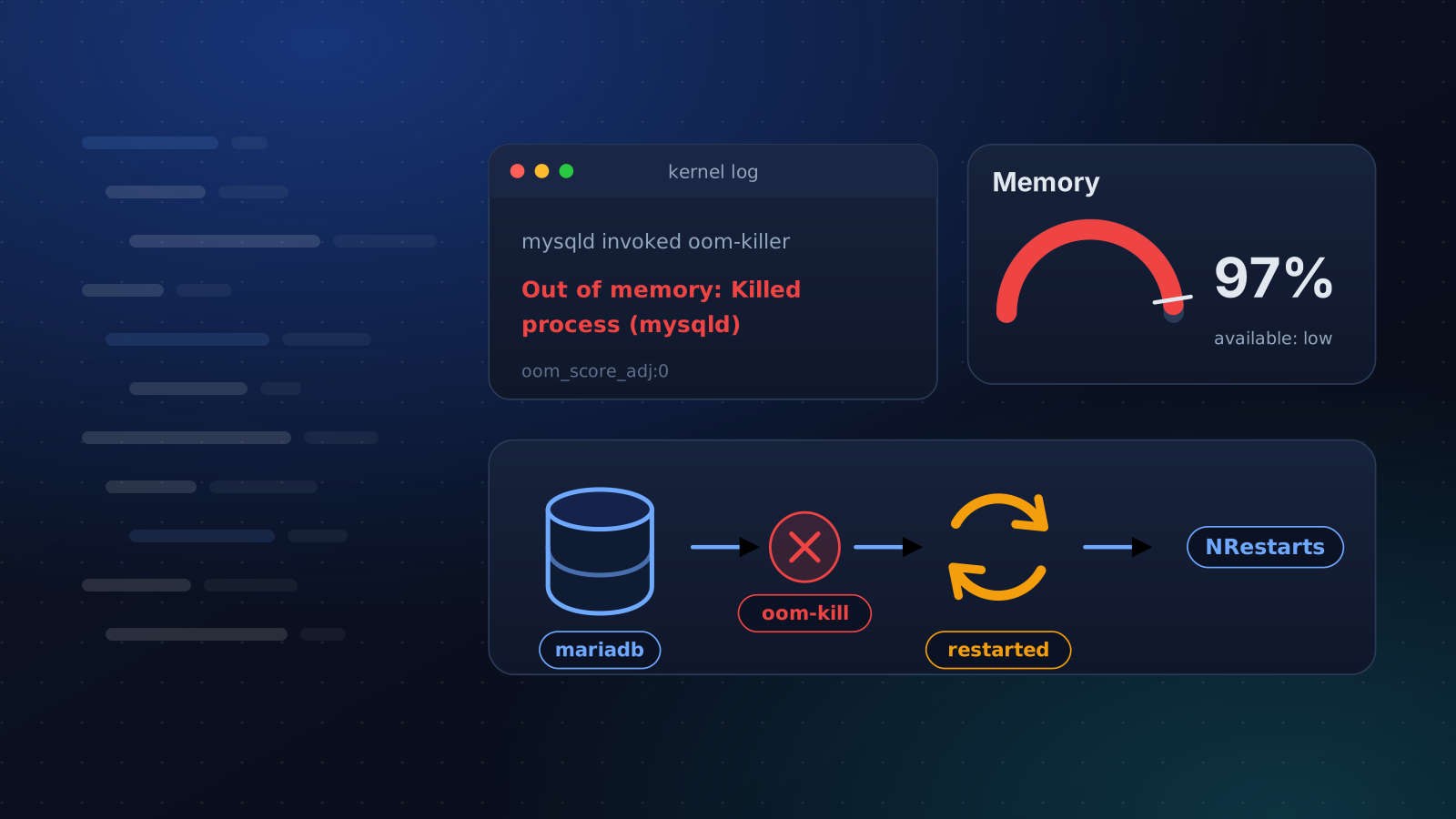
Linux OOM Killer: Find Out What It Killed
A service keeps dying and its own log says nothing. How to confirm the kernel's OOM killer did it, read its log line and stop it coming back on a small server.
5 min read
Operations
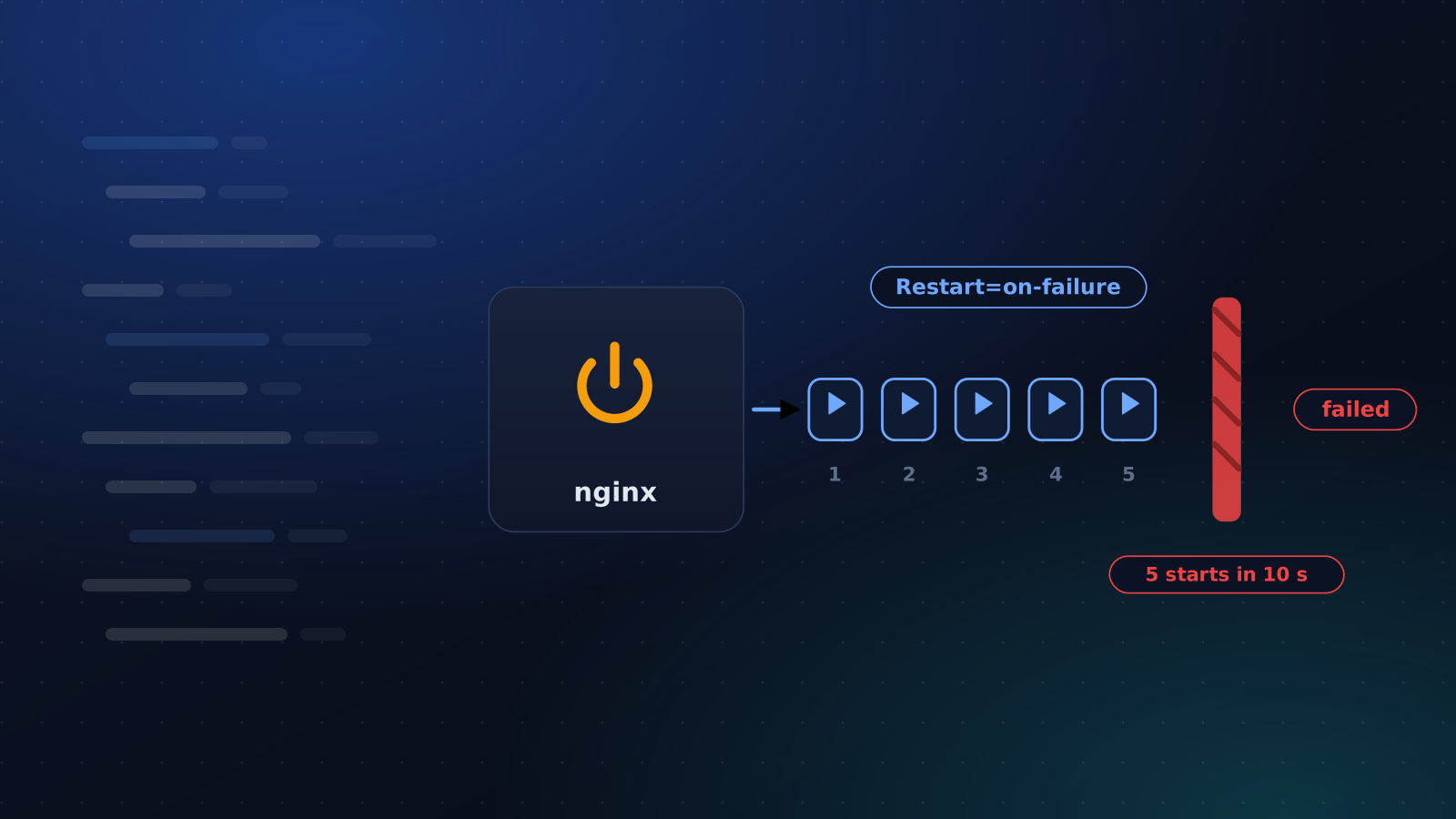
Restart a Crashed Service Automatically With systemd
Two lines make systemd restart a crashed service. Here is the start limit that quietly stops it, the failures it cannot see and how to hear about restarts.
4 min read
Monitoring
Why Your Uptime Monitor Sends False Alerts
Your monitor says the site is down and it is fine. The usual causes, how to tell which one you have, and how to cut the noise without going blind.
5 min read