

Automation
Packages Kept Back by apt Upgrade: Find the Cause
apt keeps packages back for four reasons: a new dependency, a hold, a needed removal or phasing. How to tell which one with apt-cache policy and a simulation.
By Techie Gain5 min read
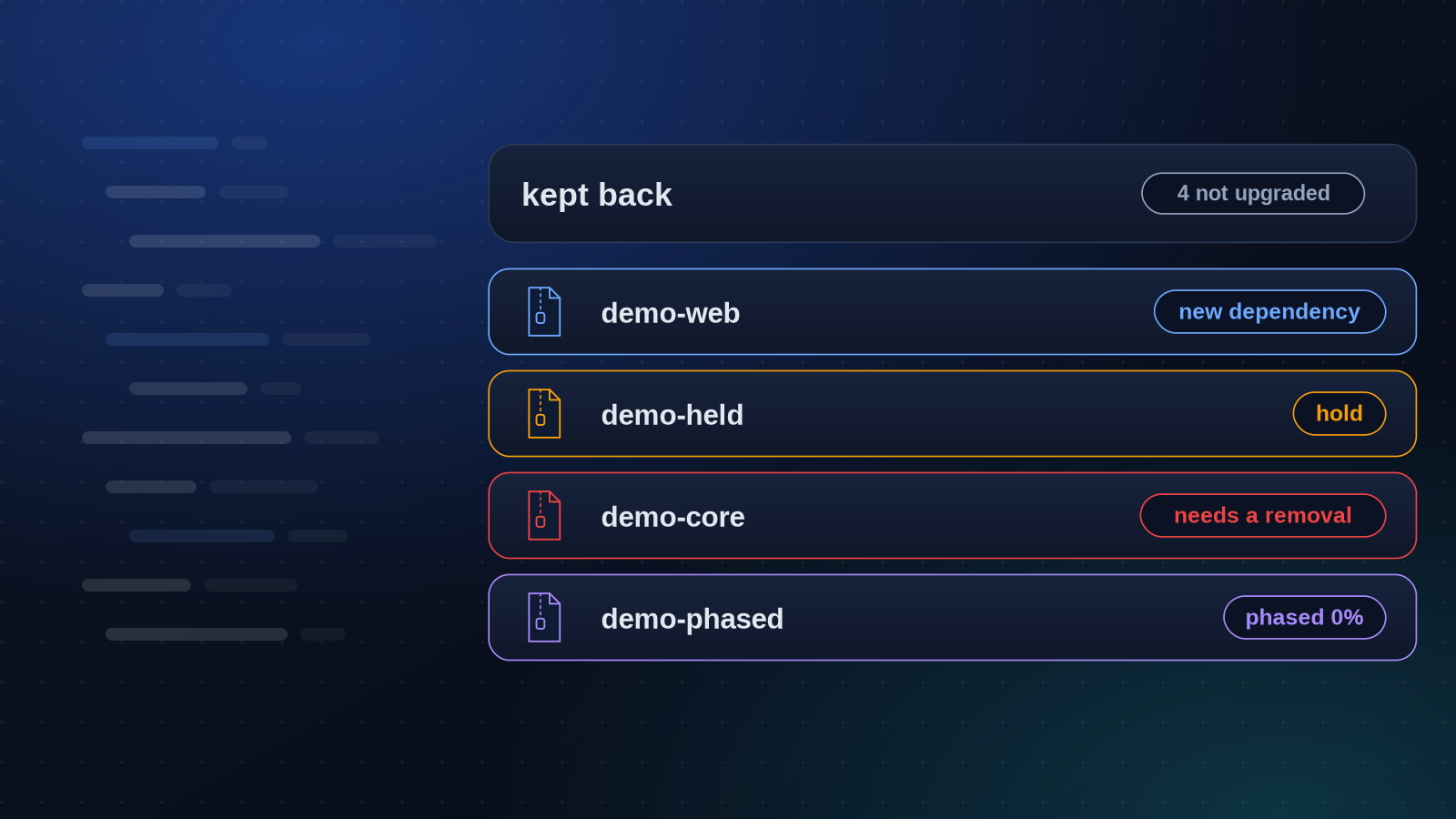
When apt upgrade ends with "The following packages have been kept back", apt has chosen not to upgrade packages that have a newer version waiting. Nothing is broken. Four different reasons lead there, and each needs a different response, so the useful skill is telling them apart.
We reproduced all four in throwaway Debian 12 and Ubuntu 24.04 containers, using a small local repository where each test package is stuck for one known reason. The package names below belong to that test. This is apt-get -s upgrade on Ubuntu 24.04 with all four in place:
The following upgrades have been deferred due to phasing:
  demo-phased
The following packages have been kept back:
  demo-core demo-held demo-web
0 upgraded, 0 newly installed, 0 to remove and 4 not upgraded.
Three reasons sit under one heading, and nothing says which is which.
Check which command you ran
apt-get upgrade never installs a package that is not already on the server. apt upgrade does, as long as nothing has to be removed. On one server with one repository, apt-get -s upgrade kept demo-web back because its new version needed another package, while apt -s upgrade installed that package and upgraded demo-web: "1 upgraded, 1 newly installed, 0 to remove". Adding --with-new-pkgs to apt-get upgrade gives the same result. If a script prints the message, rule this difference out first.
Find the cause with three commands
bash
apt-mark showhold
apt-cache policy demo-phased
apt-get -s dist-upgrade
The first lists packages someone froze with apt-mark hold. The second shows the installed and candidate versions, and a phased update carries a marker beside the candidate: 2.0 500 (phased 0%). The third simulates the most thorough upgrade without changing anything, so its lists show what apt would have to do. NEW packages will be installed points to a dependency, and REMOVED points to a conflict. apt full-upgrade is the same command under apt's own name, and printed identical output.
| Cause | How to recognise it | What to do |
|---|---|---|
| New dependency | apt-get upgrade keeps it back, apt upgrade installs it | Use apt upgrade or add --with-new-pkgs |
| Hold | apt-mark showhold lists it | Find out why, then apt-mark unhold |
| Needs a removal | REMOVED in the simulated dist-upgrade | Read the list, then upgrade or replace the package it names |
| Phasing | (phased 0%) in apt-cache policy | Wait, or install the package by name |
A new dependency
The new demo-web depends on demo-lib, which was not installed. apt-get upgrade listed demo-web as kept back. apt upgrade and apt-get upgrade --with-new-pkgs installed demo-lib, upgraded demo-web and removed nothing. Of the four causes, this is the safest to resolve.
A hold
apt-mark showhold printed demo-held. Neither upgrade command touched it, and the simulated dist-upgrade left it alone too: a hold beat every upgrade command we ran. Find out why it exists before you release it with apt-mark unhold. The Kubernetes install steps hold kubelet, kubeadm and kubectl on purpose, so a routine upgrade cannot move a cluster to a new version, and Techie Gain's Kubernetes playbook does the same.
An update that needs something removed
demo-core 2.0 cannot be installed while demo-plugin 1.0 is, because the plugin requires an older demo-core. apt upgrade never removes anything, so it keeps demo-core back. The simulated dist-upgrade printed The following packages will be REMOVED: demo-plugin and then upgraded demo-core. A simulated apt-get install demo-core removed the plugin as well. Read the REMOVED list before you accept, because the package named there stops working. If you need it, upgrade or replace it first. Do not run dist-upgrade -y from a script that nobody reads.
Phased updates
Ubuntu releases some updates to a growing share of machines first. Each machine works out its own answer from its machine ID plus the package name and version, and Ubuntu's documentation says security updates are never phased. Debian's apt reads the same field, so a repository that sets it is phased there too.
We marked a package as 50 percent phased and tried 200 random machine IDs: 102 received it and 98 were held back. A fixed ID gave the same answer every time. Writing a held-back ID into /etc/machine-id made apt defer the package, and writing an included ID made it plan the upgrade. Servers cloned from one image share an ID unless it is reset, so they are held back and released together.
The wording depends on the apt version. Ubuntu 24.04's apt 2.8.3 prints a separate heading, "The following upgrades have been deferred due to phasing". Debian 12's apt 2.6.1 lists the same package under "kept back" with the others. Both show (phased 0%) in apt-cache policy. Phasing normally ends by itself as the percentage rises. To take the update now, apt-get install demo-phased upgraded it at once in our test, and setting APT::Get::Always-Include-Phased-Updates to true includes every phased update in every upgrade. Ubuntu's documentation does not recommend installing by hand, though it calls it unlikely to break a machine when phasing is the only reason.
What not to rely on
After a real upgrade on Ubuntu, apt list --upgradable still listed the three packages apt had left alone, so a non-empty list does not mean an upgrade is pending. The summary line of apt-get -s upgrade is the honest count: "3 not upgraded". After you have dealt with each cause, run it again and check that the number matches the packages you chose to leave.
On more than one server
Run the simulation on one server first and read it, because the answer depends on that server's holds, repositories and machine ID. Techie Gain's Update Packages playbook runs apt-get upgrade --with-new-pkgs with the lock timeout set, so a new dependency is installed, and it never removes a package, so a needed removal stays your decision. Held and phased packages stay as they are. Its dry run lists what would be upgraded on every server before anything changes, and patching safely covers the canary and the reboot that follow. If an upgrade stops for a different reason, the apt lock is the other usual one.
Keep reading
Automation
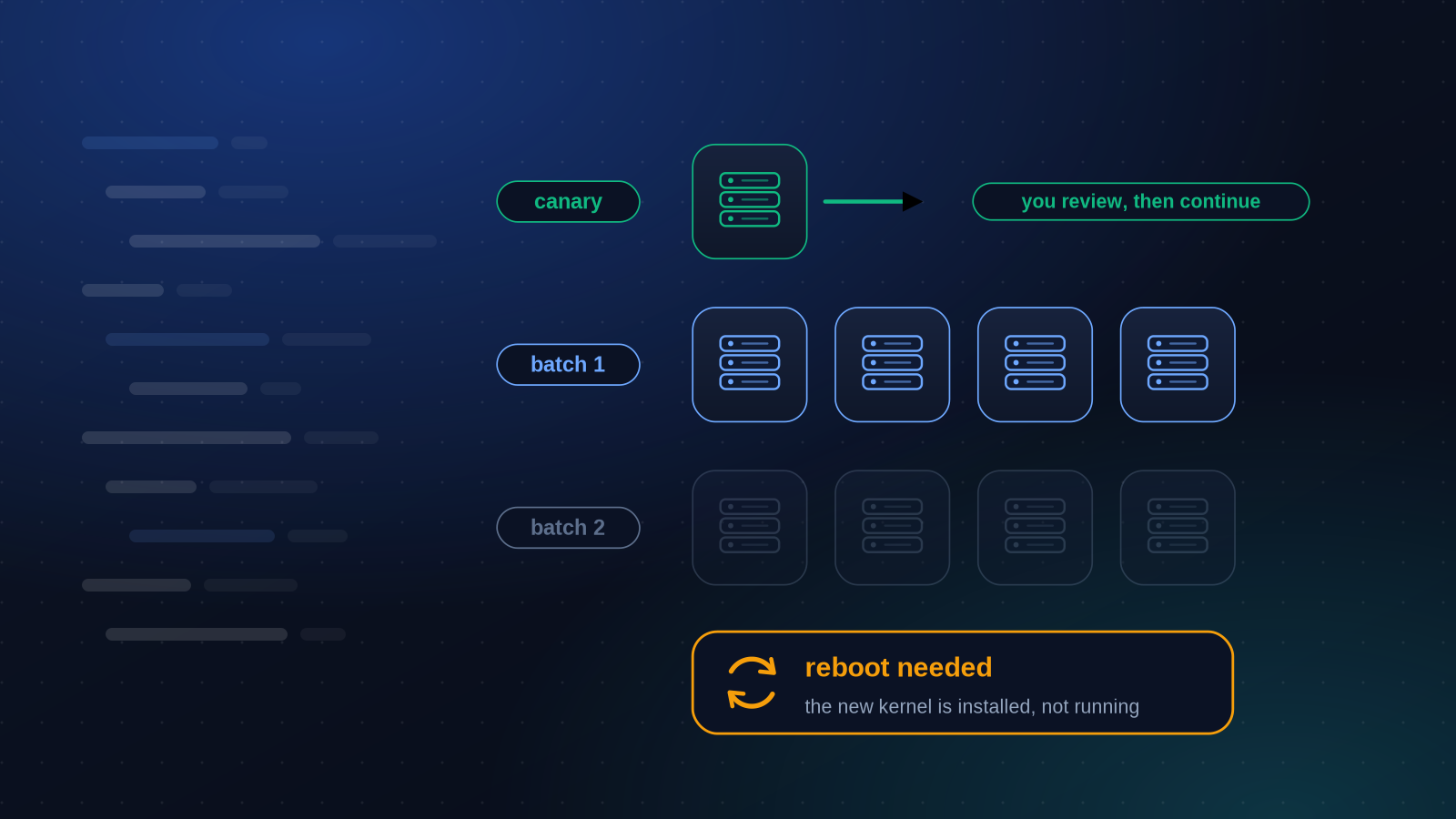
How to Patch Linux Servers Without Breaking Production
How often to patch, what to automate and what to stage, how to handle reboots, and a canary routine that a small team can keep up month after month.
5 min read
Automation
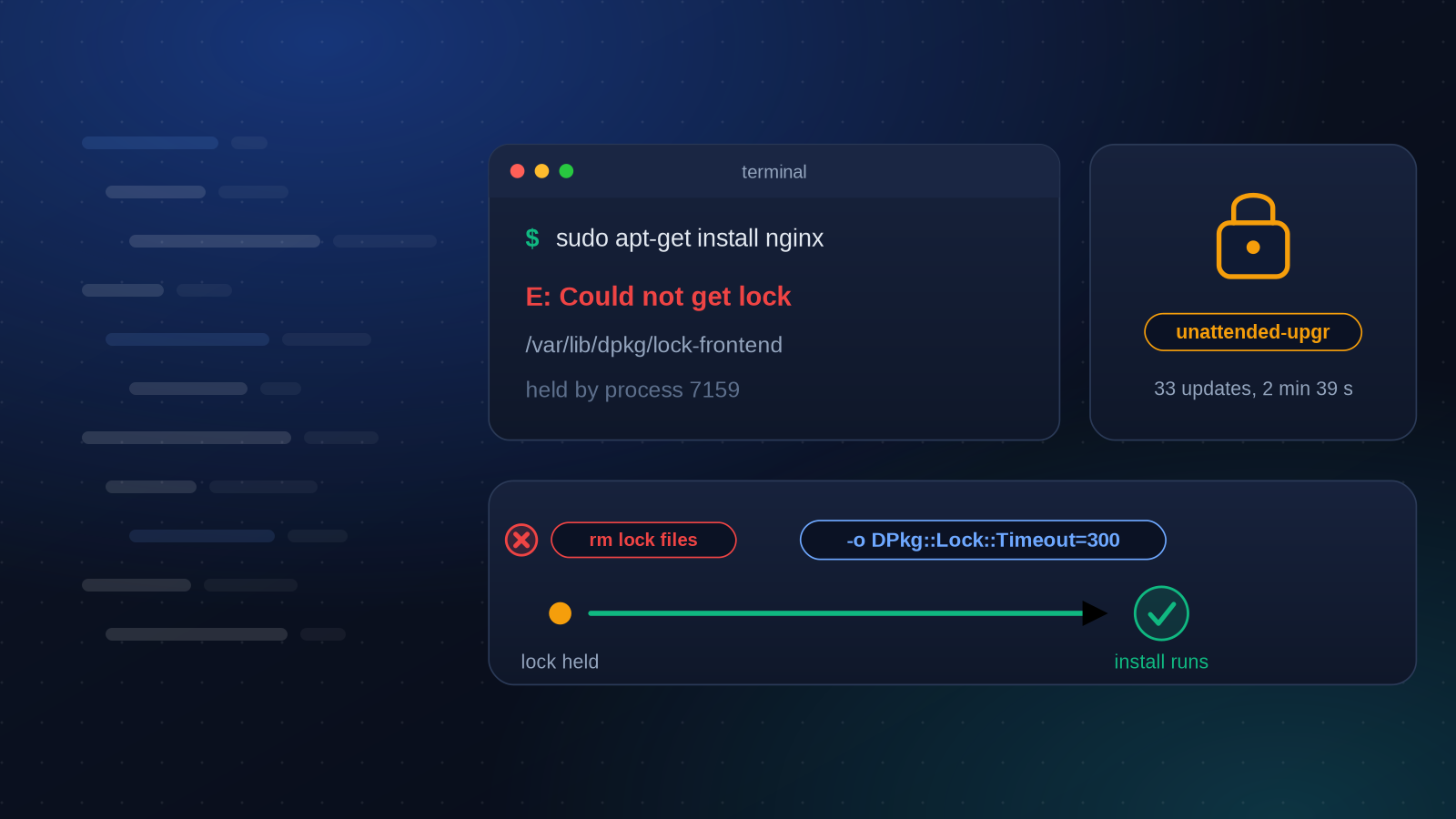
Could Not Get Lock /var/lib/dpkg/lock-frontend: What to Do
apt stops with "Could not get lock /var/lib/dpkg/lock-frontend". How to see who holds it, when to wait, and why deleting the lock files makes it worse.
5 min read
Automation
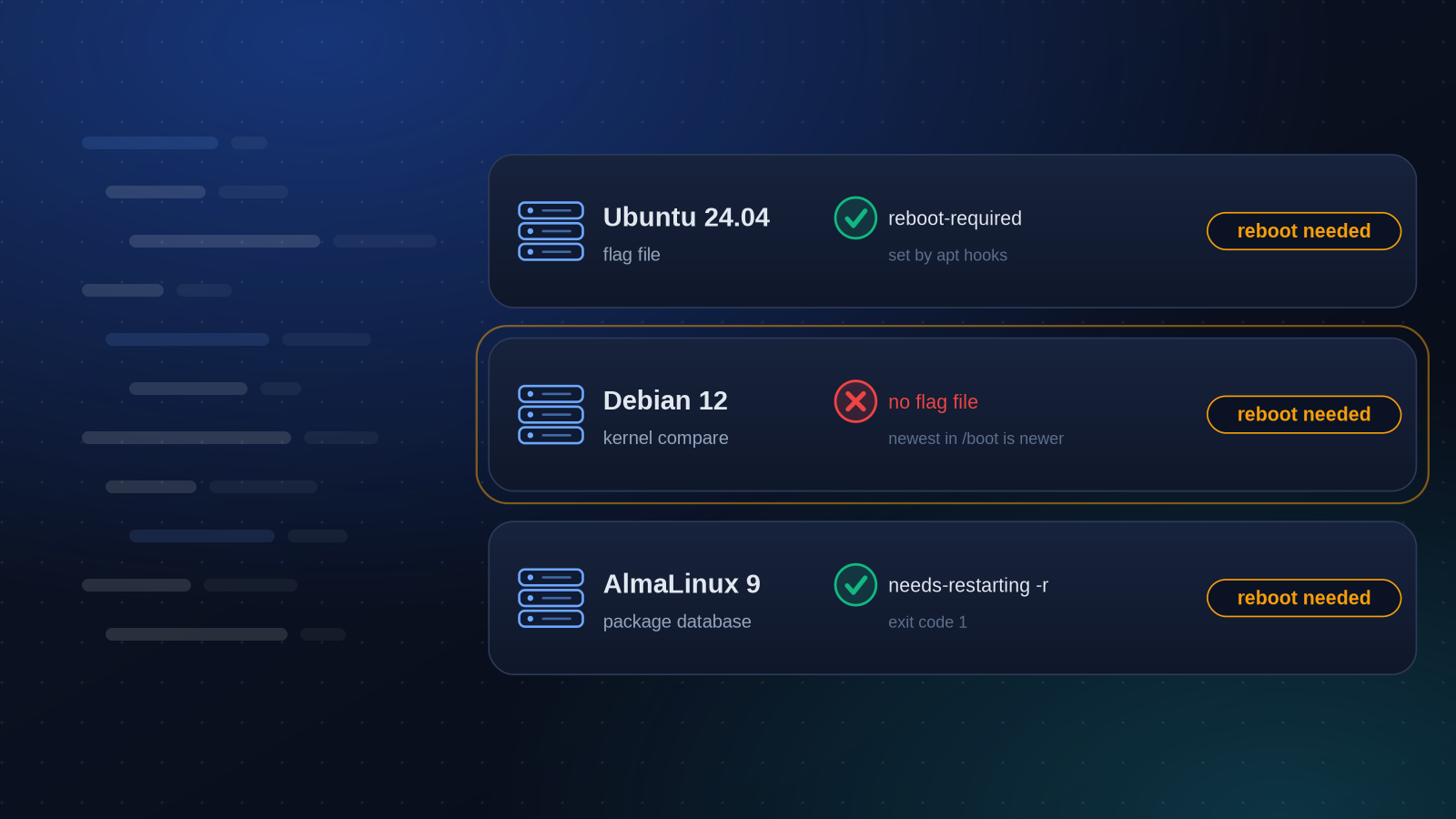
How to Check If a Linux Server Needs a Reboot
Ubuntu leaves a flag file, RHEL has needs-restarting and Debian often has neither. How to tell a restart from a reboot and check every server the same way.
5 min read