

Automation
Ansible Alternatives for Small Teams
Ansible is fine until the upkeep outweighs the servers. A fair look at pyinfra, Fabric, salt-ssh, Puppet and a managed runner, and when plain SSH is enough.
By Techie Gain4 min read
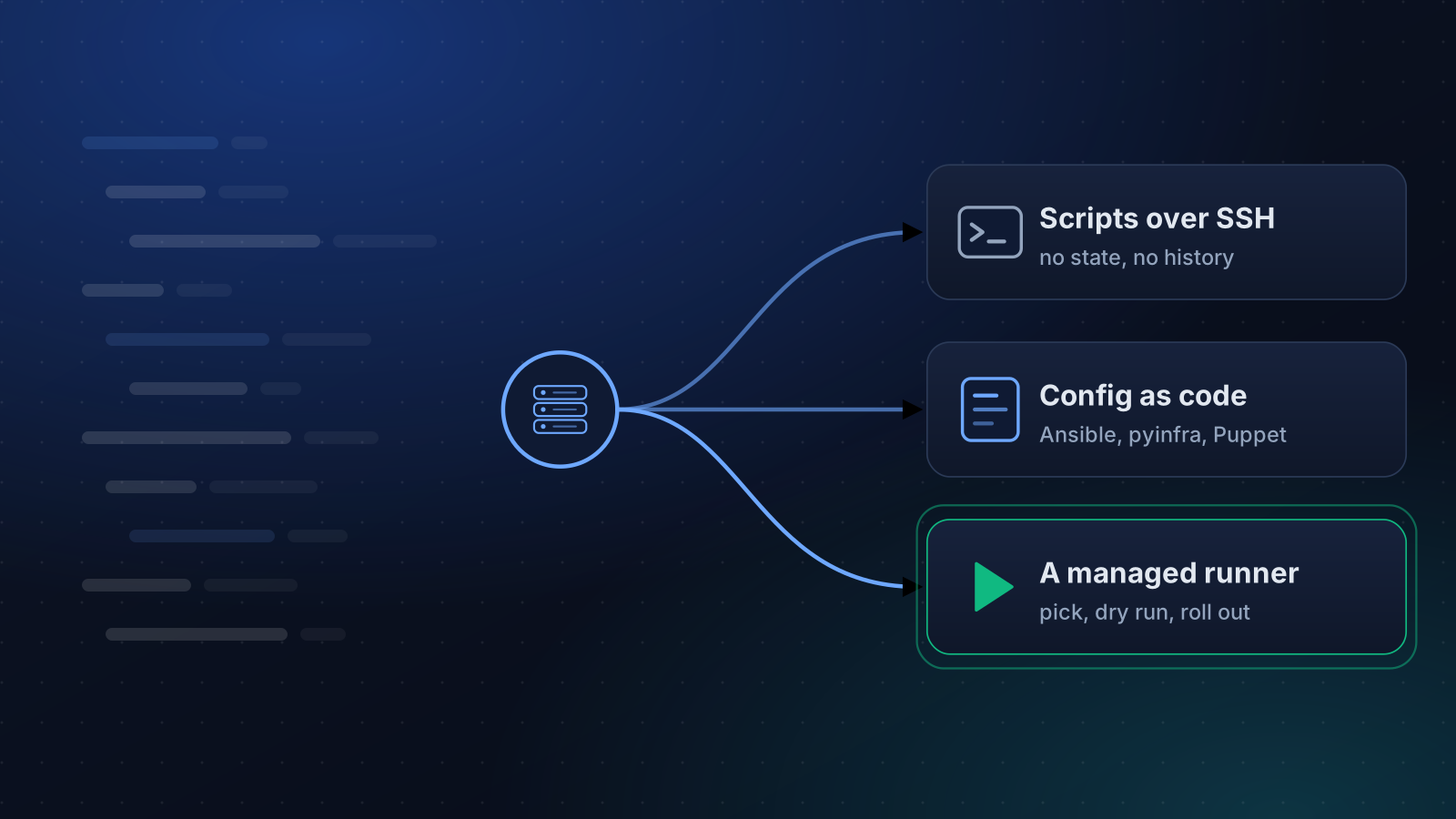
Ansible is a good tool, and this is not a post about leaving it because it is bad. Most small teams that drift away do so for a duller reason. The work around it, the inventory, the vault, the role layout, the control host, the Python on every target, the upgrades, costs more than the half dozen servers it manages.
If that is you, or you are choosing before you start, here is how the options compare, and when you need none of them.
Decide which job you mean
"Automation" covers three different jobs, and tools are good at different ones.
- Run a command on several servers. Restart a service, check a version, search a log.
- Bring servers to a known state. Packages, users, config files, safe to run twice.
- Change a fleet safely, with a record. Roll out, stop on failure, remember who did what.
Plain SSH covers the first. Configuration management covers the second. The third is where most small teams have nothing at all, and where the real risk sits.
The options side by side
| Option | How it works | You write | Fits | Watch for |
|---|---|---|---|---|
| SSH and shell scripts | Nothing to install | Bash | A handful of servers, one-off jobs | No idempotence, no history |
| Ansible | Agentless over SSH, Python needed on targets | YAML playbooks | The default for most teams | Inventory, vault and roles are skills of their own |
| pyinfra | Agentless over SSH, needs only a POSIX shell | Python | People who would rather write Python than YAML | A smaller ecosystem |
| Fabric | A Python library that runs commands over SSH | Python | Scripted deploys and ad hoc tasks | No desired-state model |
| Salt (salt-ssh) | Normally a master and minions, with an agentless mode | YAML and Jinja | Teams already running Salt | More moving parts than the others |
| Puppet or Chef | Agents pull from a server | A DSL or Ruby | Large fleets that need drift correction | Heavy for a small team |
| A managed runner | Connects over SSH and runs a catalogue of tested playbooks | Nothing, you choose options | Teams that want the third job without building it | You get its catalogue, not arbitrary code |
The table is about how each tool works, not how good it is, and every one of them has a community that will tell you more than a row can.
The costs people do not count
Upgrading the tool and its dependencies. Keeping the inventory true as servers come and go. Storing secrets without committing them. Teaching a second person. Deciding where it runs from, and what happens when that one laptop holds the only copy of the playbooks.
And the audit trail, which most scripting setups quietly lack: who ran what, on which servers, with which values, and what each one answered. That record is the thing you want at 11 p.m., when somebody asks what changed.
Choose by the failure you are avoiding
- Servers nobody can rebuild, each slightly different. Use declarative configuration management. Ansible is the safe default, and pyinfra is worth a look if you prefer Python.
- "Did I patch all of them?" You need a runner with history more than you need a language. How to patch safely shows the routine.
- One command on twelve machines. A loop over SSH with
BatchMode=yesand a connect timeout is enough, and anything heavier is wasted effort. - A team where not everyone is comfortable on a shell. A web interface in front of tested actions beats a repository of YAML they have to read.
One thing to check before you pick anything
Whatever you choose, test how it behaves when a host is unreachable and when a step fails half way. Many setups are written for the happy path. A tool that stops the run, says which server it stopped on and leaves the others untouched is worth more than a larger module library.
If you do move, move one thing
Switching tools all at once is how a migration takes a quarter and finishes nothing. Pick the single job that hurts most, usually patching or user management, and move only that. Run the old and the new side by side for a month. Port the rest when you are touching it anyway, and leave the playbooks that never change exactly where they are.
Where we fit, and where we do not
We built Techie Gain for the third job. You pick a playbook from a catalogue of 24, such as installing PHP or hardening SSH, choose the servers and run a dry run. Then the run goes through a preflight, a canary and batches, and every server's output is kept.
It is not a replacement for writing your own configuration. You cannot add playbooks to the catalogue. The Command Runner will run a shell command you type, with the same preflight and history, but it is not a place to keep reusable configuration. If your servers need something outside the catalogue, a tool from the table is the better answer, and you can use both. If you already have playbooks that work, keep them.
Keep reading
Automation
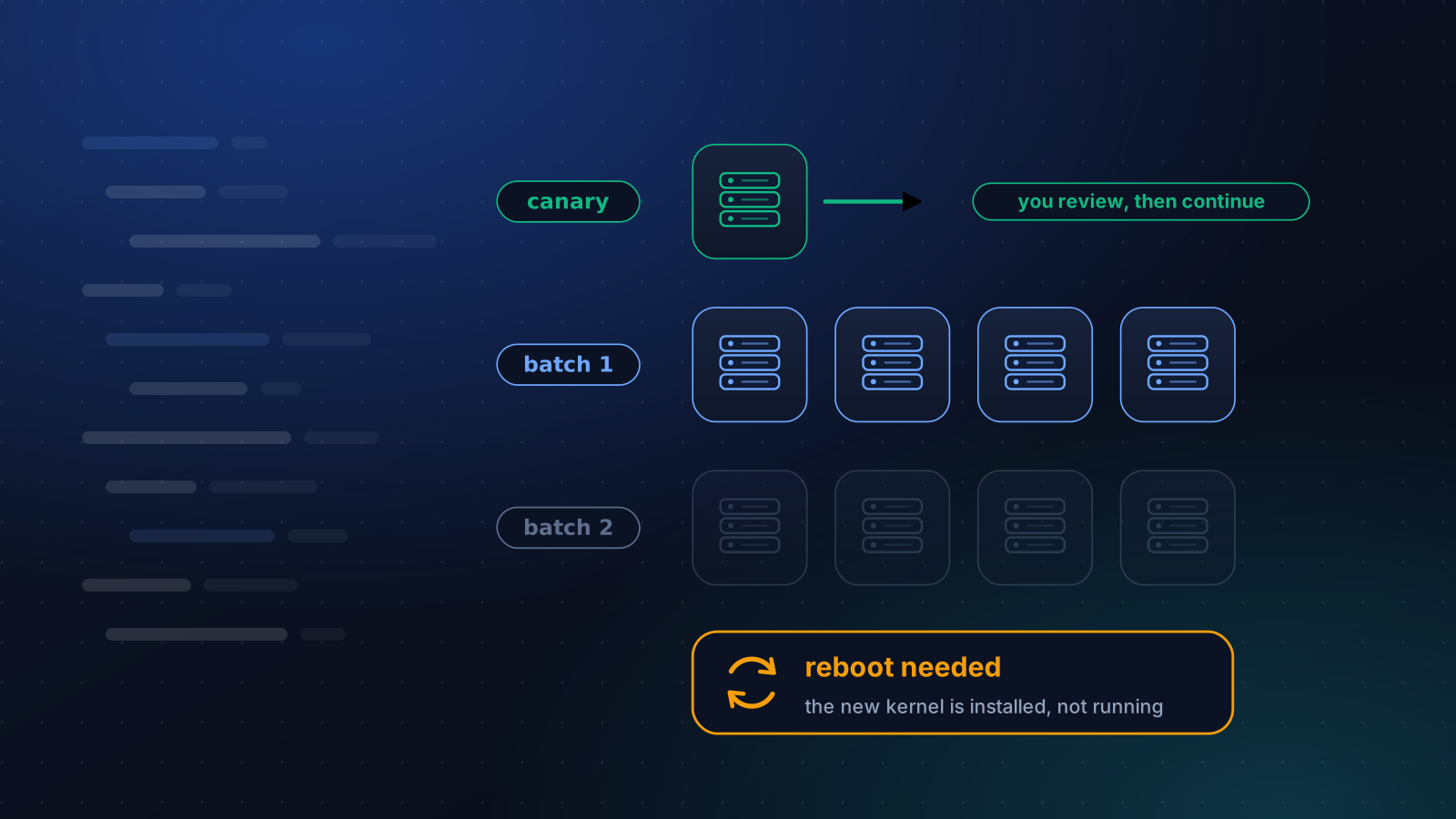
How to Patch Linux Servers Without Breaking Production
How often to patch, what to automate and what to stage, how to handle reboots, and a canary routine that a small team can keep up month after month.
4 min read
Operations
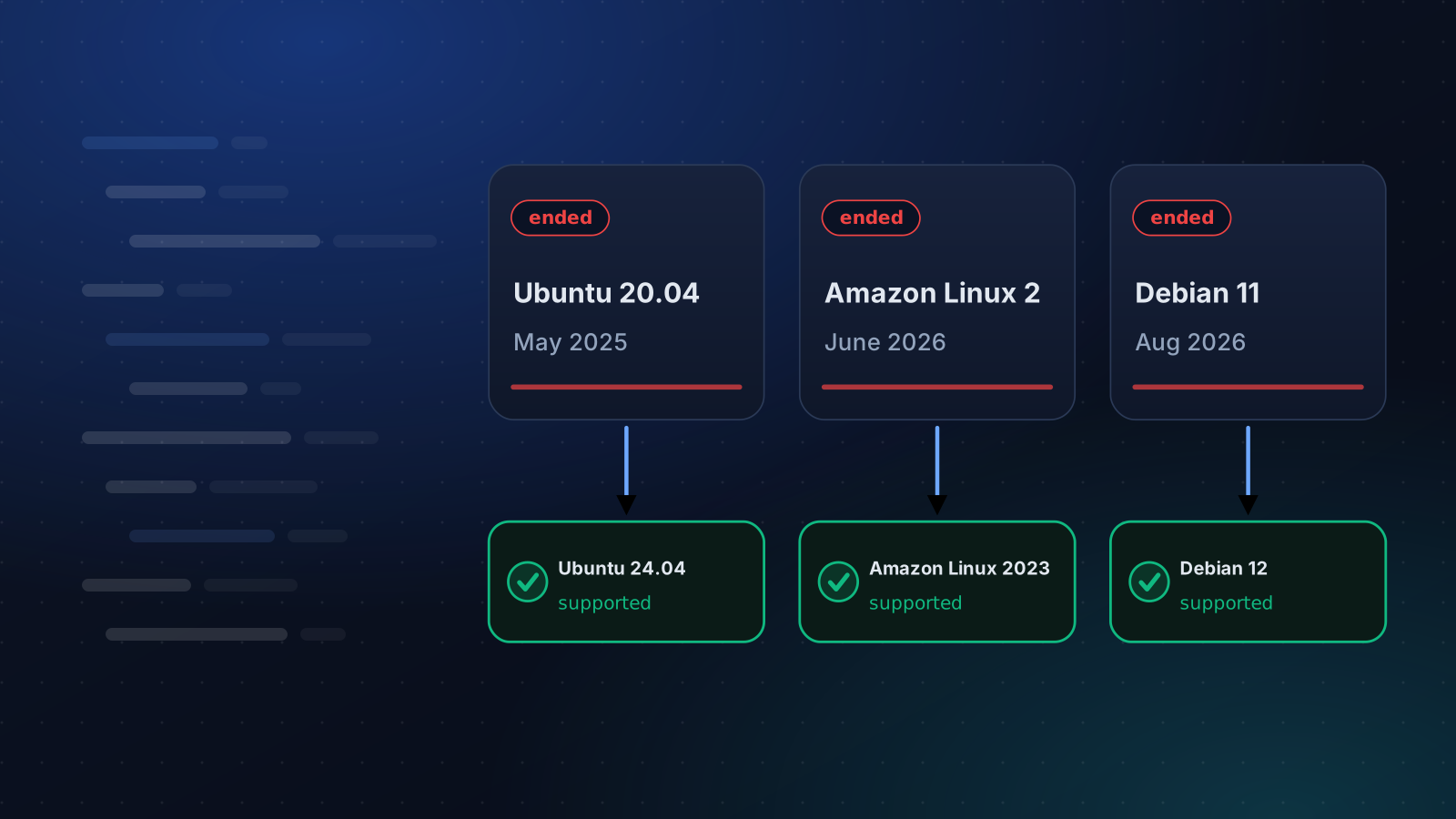
Ubuntu 20.04, Debian 11 and Amazon Linux 2 Are End of Life
Ubuntu 20.04 lost standard support in May 2025, Amazon Linux 2 on 30 June 2026 and Debian 11 on 31 August 2026. What that means and how to move.
4 min read
Security
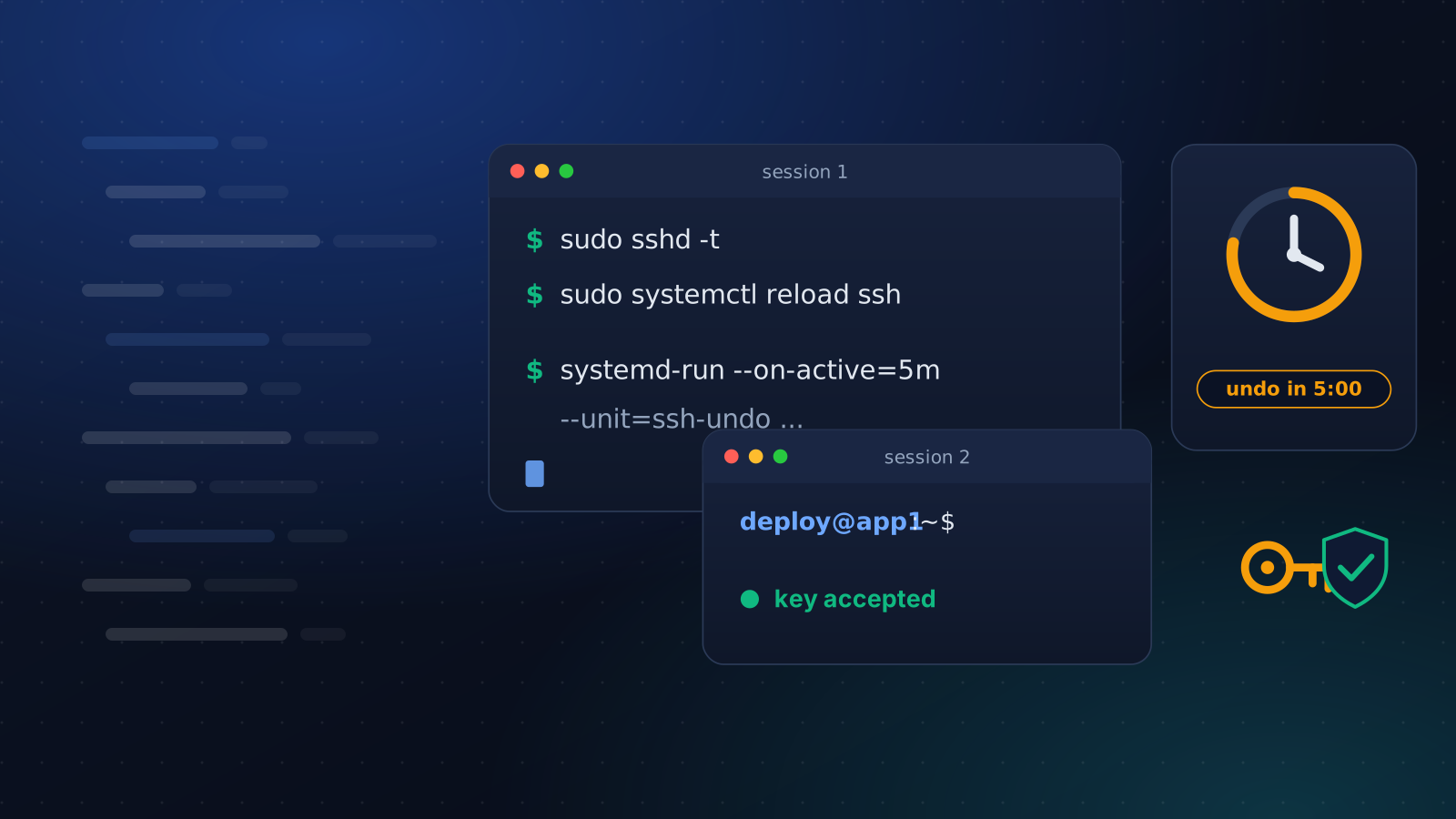
Harden SSH Without Locking Yourself Out
Turning off password logins takes one line and can cost you the server. The order that keeps a way in: a drop-in file, a second session and an undo timer.
4 min read